7 - 42
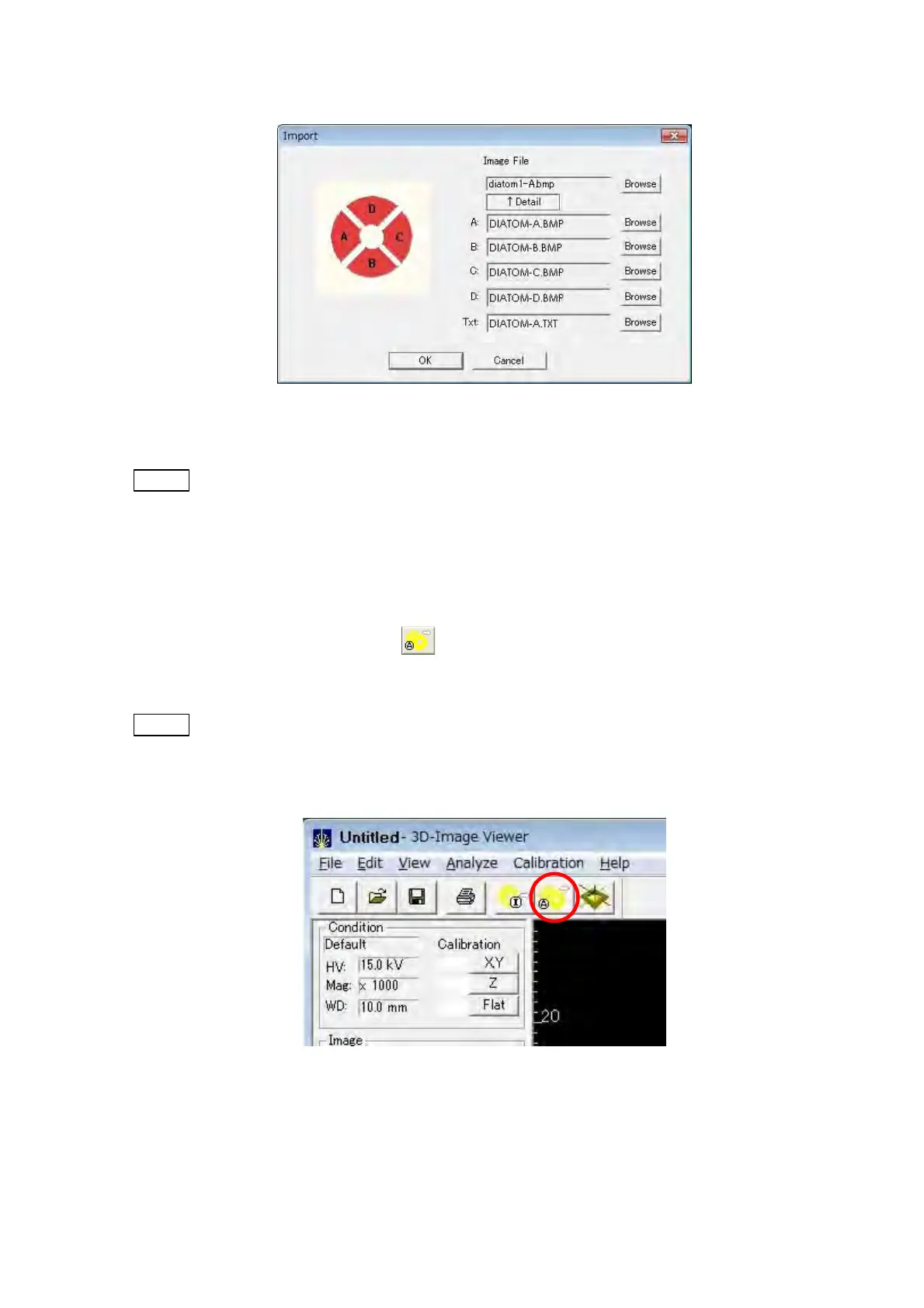
Figure 7.15.2-4 Details of Import Dialog
NOTE
: An image cannot be imported if the folder in which an image file is saved during
the execution of capture does not contain a text file containing observation
conditions.
2. Automatic Import
Automatic import is a function to open the image file saved in the pre-set folder by
clicking the [Automatic Import]
button on the Toolbar. The [Automatic Import]
function is effective to observe 3D image without waiting time.
NOTE : The image that can be opened by automatic import is only the latest modified
image saved in the pre-set folder. Select and open the image from the [Import],
when opening former images.
Figure 7.15.2-5 Automatic Import Button



 To Next Page