7 - 43
2a. Setting the destination folder
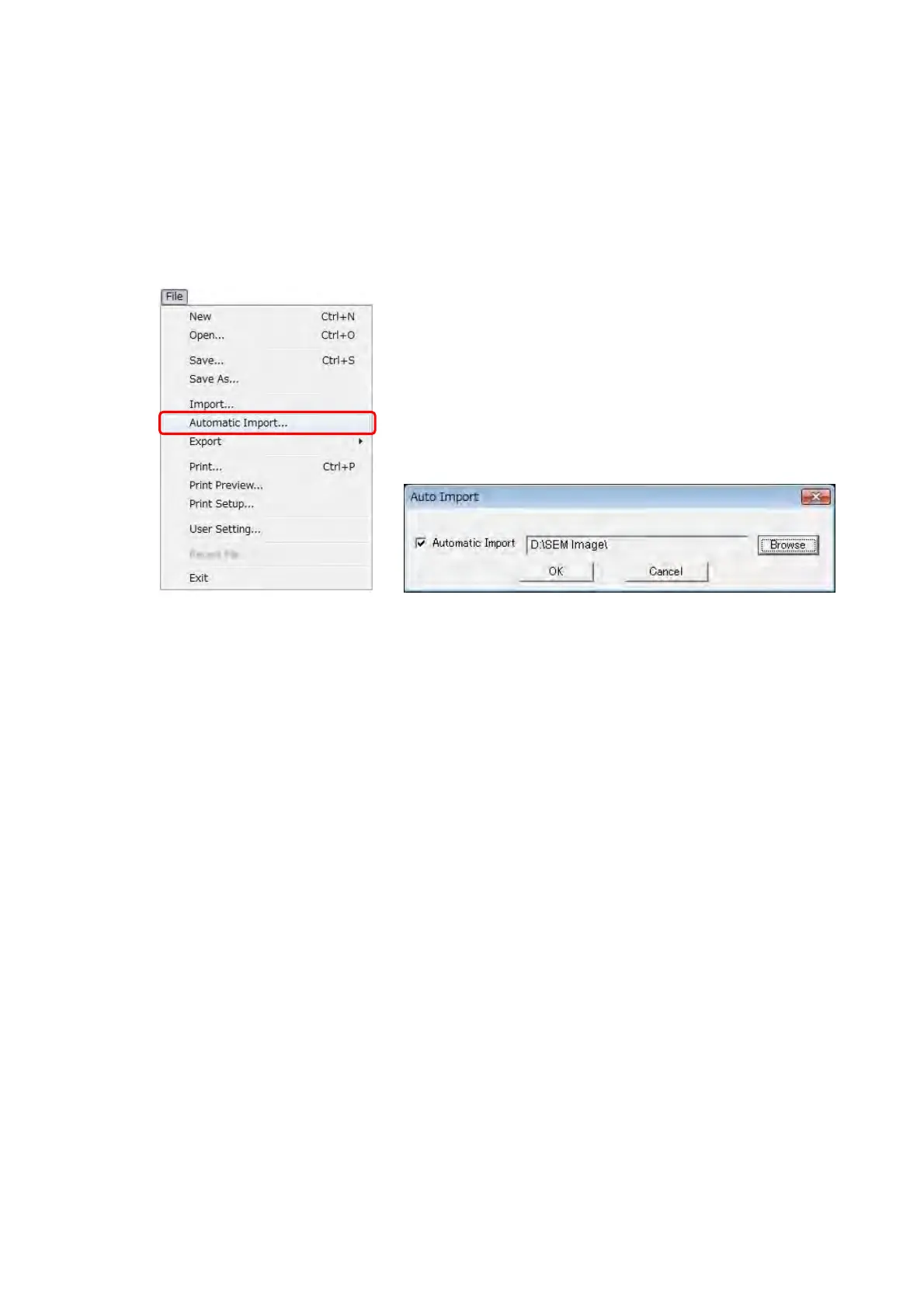
When clicking [Import] from the [File] menu, the Auto Import dialog is displayed.
Click the [Browse] button on the Automatic Import dialog, and set the folder for saving
the image file opened by the automatic import. Then, click the [OK] button. The newest
image file in the pre-set folder can be imported when checking [Automatic Import] on
the dialog, and clicking the [OK] button.
Figure 7.15.2-6 Automatic
Import Menu
Figure 7.15.2-7 Auto Import Dialog



 To Next Page