2 - 34
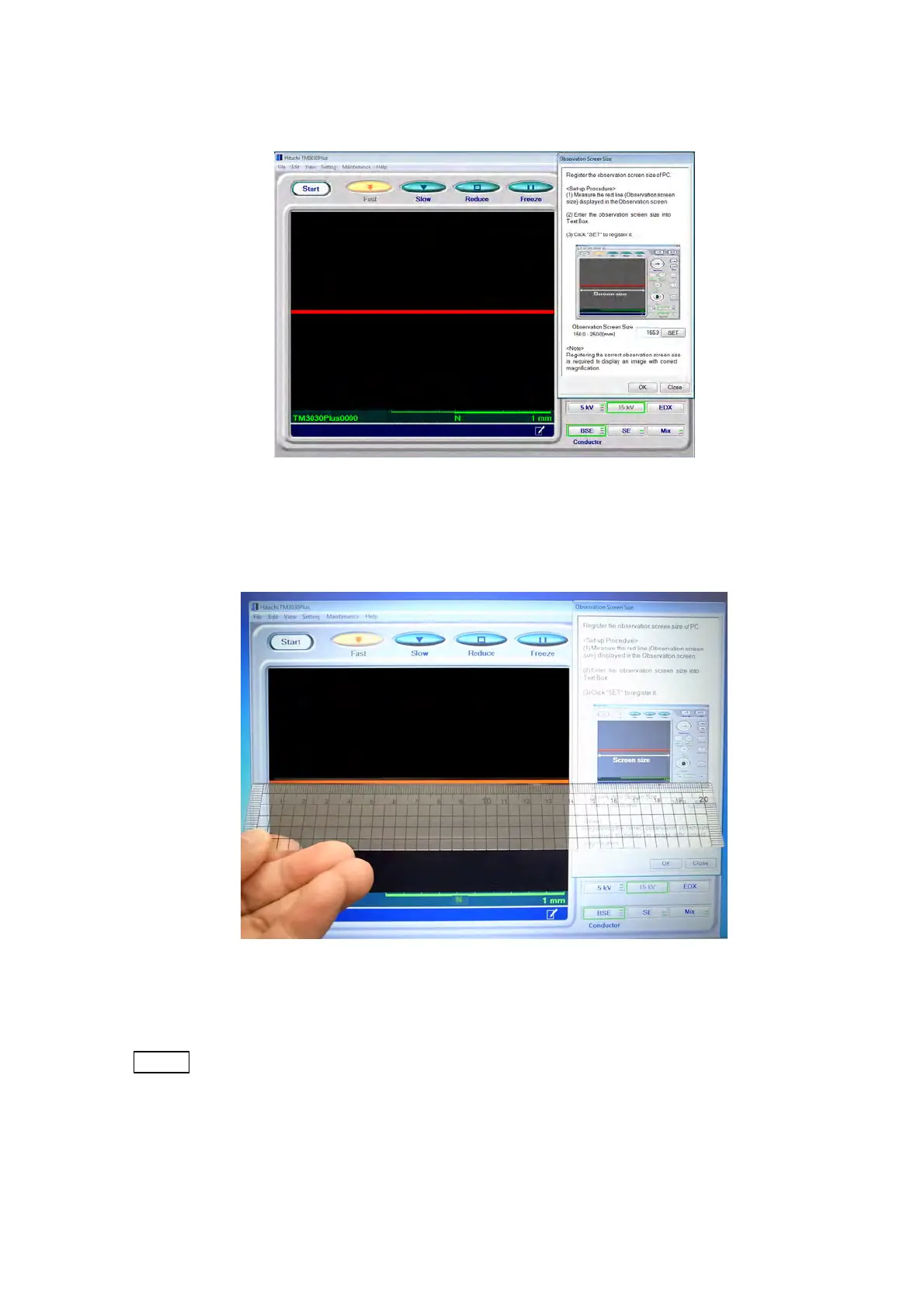
8. The Observation Screen Size window and a red line appear in the operation window.
Figure 2.3.7-8 Observation Screen Size Window
9. Measure the red line appearing in the operation window with a ruler.
Figure 2.3.7-9 Measuring the Observation Screen Size
NOTE
: Measure the red line in 0.5 mm increments. Otherwise a wrong value may input
and magnification of the observation screen may not be accurate.



 To Next Page