7 - 78
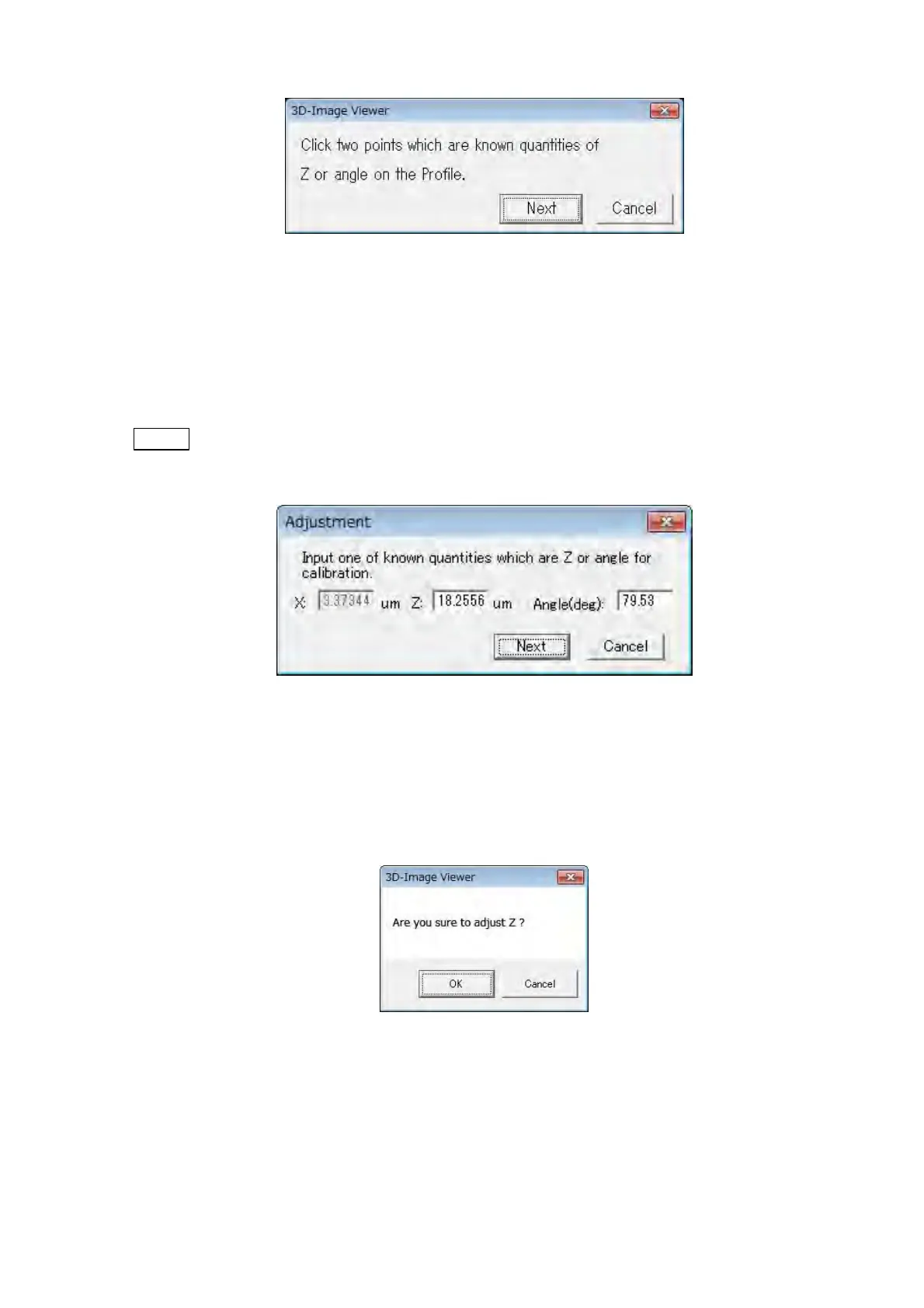
Figure 7.24.2-2 Calibration of Z Message Dialog 2
5. The adjustment dialog shown in Figure 7.24.2-3 is displayed. Input the calibration value
of height (Z) between two points, or the angle between two points. And then, click the
[Next] button.
NOTE
: In case of inputting the angle, the value of height (Z) is calculated and calibrated
by the value of horizontal (X) and input angle.
Figure 7.24.2-3 Adjustment of Z Dialog
6. The confirmation message shown in Figure 7.24.2-4 is displayed. When clicking the [OK]
button, Z calibration is executed. The left side of the [Z] button in the [Calibration] block
changes into an orange mark.
Figure 7.24.2-4 Confirmation Dialog
Z calibration ends with the above-mentioned procedure. When selecting the [Z] from the
[Calibration] menu or clicking the [Z] button on the [Calibration] block with Z calibration
executed, the content of Z calibration is cleared and returned to the default.



 To Next Page