4 - 94
Saved Image
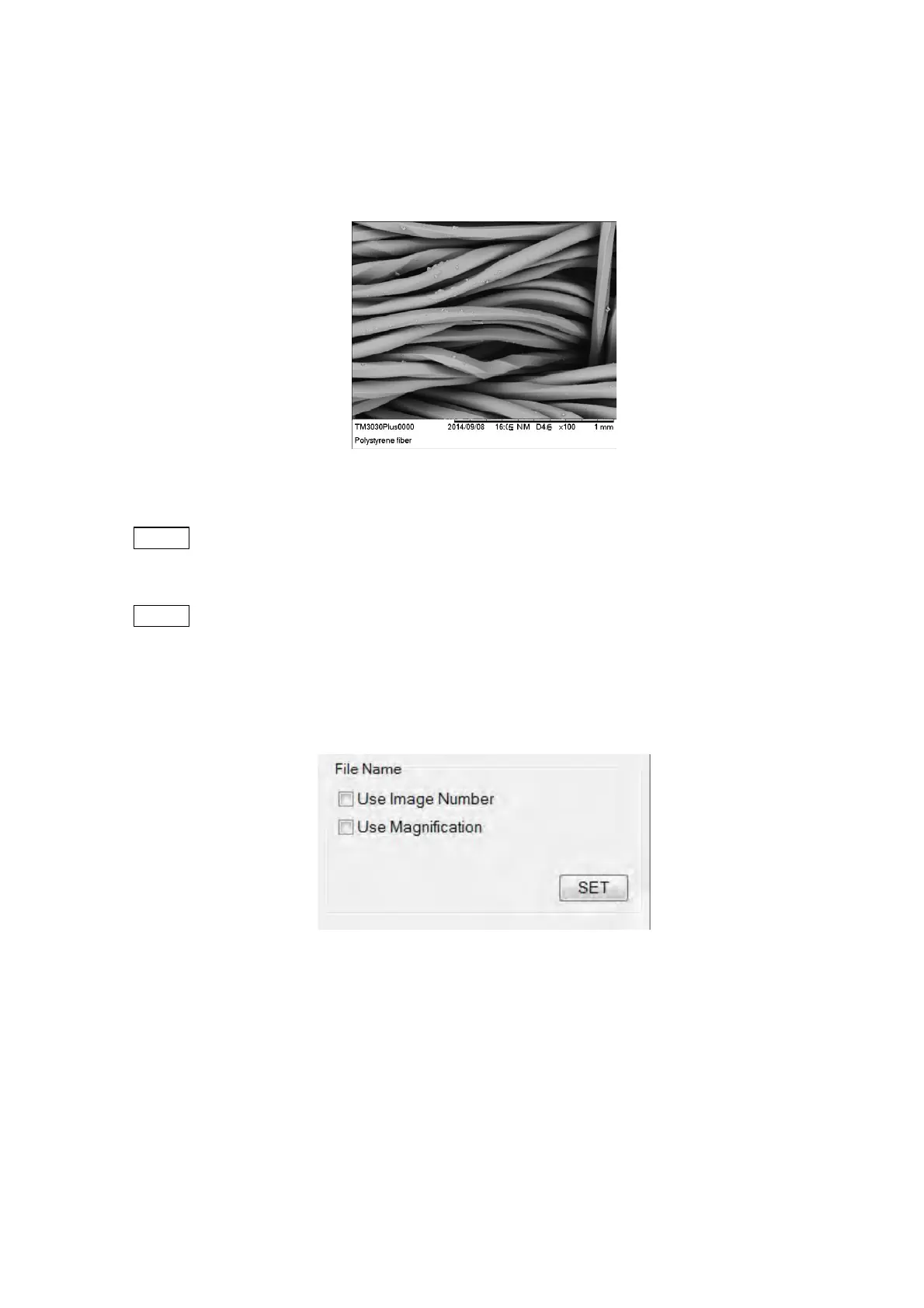
The saved image file includes the information and comments which are
selected or entered in the [Screen Display] tab. (Save Image size: [Save]:
1280x1100 pixels, [Quick Save]: 640x550 pixels).
Figure 4.3.25-12 Saved Image (Characters: Displayed)
NOTE
: The magnification displayed in the saved image is based on the observation image
display size on the observation screen.
NOTE
: If each mark of the observation condition, the observation mode, the signal select
and the image mode (see Figure 4.3.2) is displayed in the information area,
similarly those marks are also embedded in the saved image.
2b. File Name
Figure 4.3.25-13 File Name Block
When saving an image, an image number or a magnification can be used as a file
name.
(1) Use Image Number
Uses the image number displayed in the information area as a file name to save
an image. If [Use Image Number] is not selected or any image number is not
displayed in the information area, the file name will be [Image].



 To Next Page