4 - 27
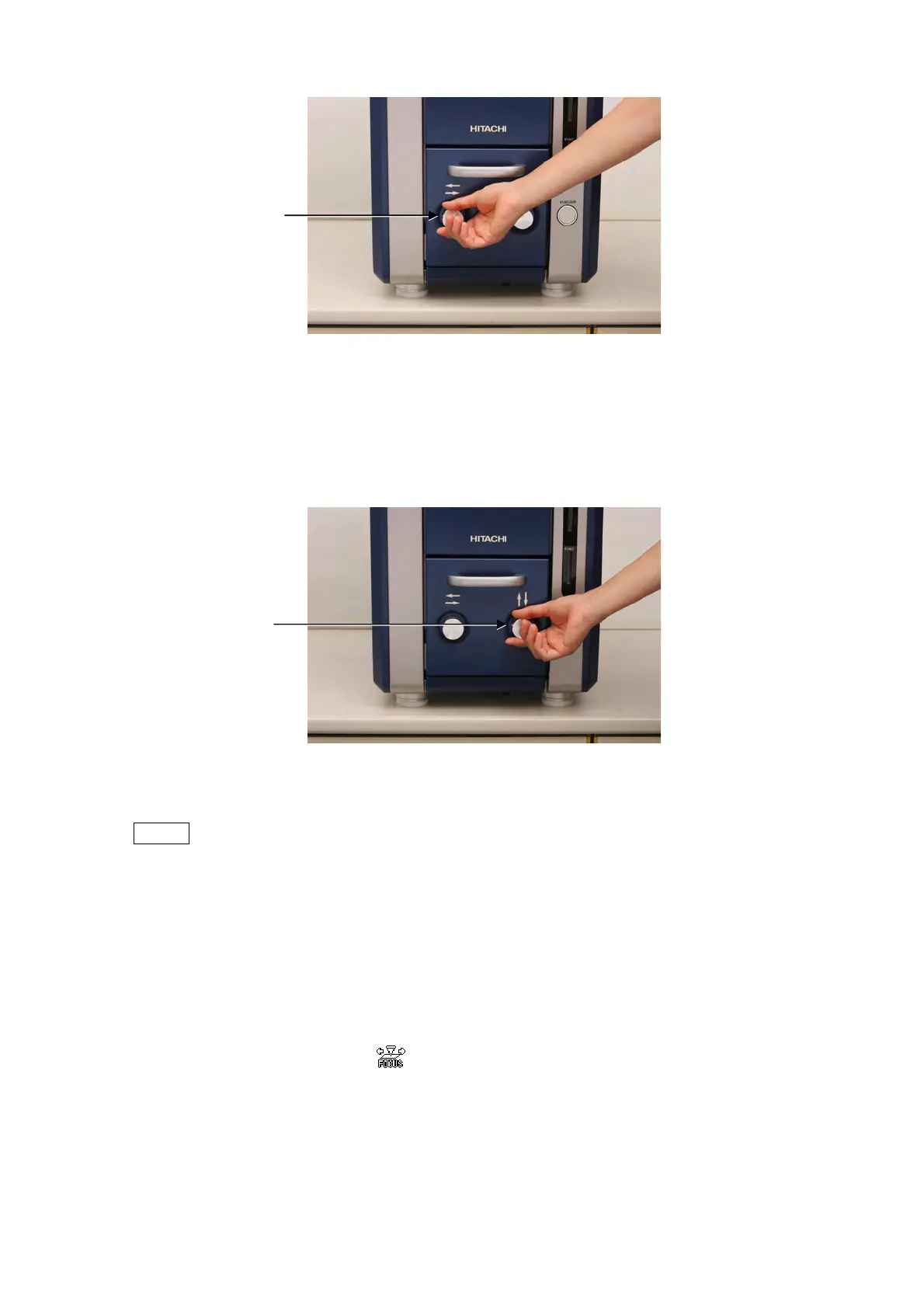
Figure 4.2.7-1 Searching for FOV (X-Knob Operation)
Turn the Y knob (on the right side when viewed from the front) clockwise to move the
field of view downward. While, turn it counterclockwise to move the field of view
upward.
Figure 4.2.7-2 Searching for FOV (Y-Knob Operation)
NOTE
: If a manual stage is used, and yet the rotation angle (See 4.3.24) is not set to 0°, a
sample moving direction on screen is different from the actual moving direction by
operating the knobs. Therefore, after shifting the field of view, be sure to set the
rotation angle to 0° for image rotation.
1b. Image shift
When moving the field of view finely at a high magnification of 5,000x or higher, the
use of image shift is more preferable. Image shift is a function to shift a field of view
by moving the scanning area of electron beam.
Place the mouse cursor
on a point (the red circle in Figure 4.2.7-3) which you
want to move to the center of the observation screen, and then double-click that
point. The double-clicked point moves to the center of the observation screen (the red
circle in Figure 4.2.7-4). Note that image shift provides a maximum motion range of
±50μm.
X knob
Y knob



 To Next Page