4 - 7
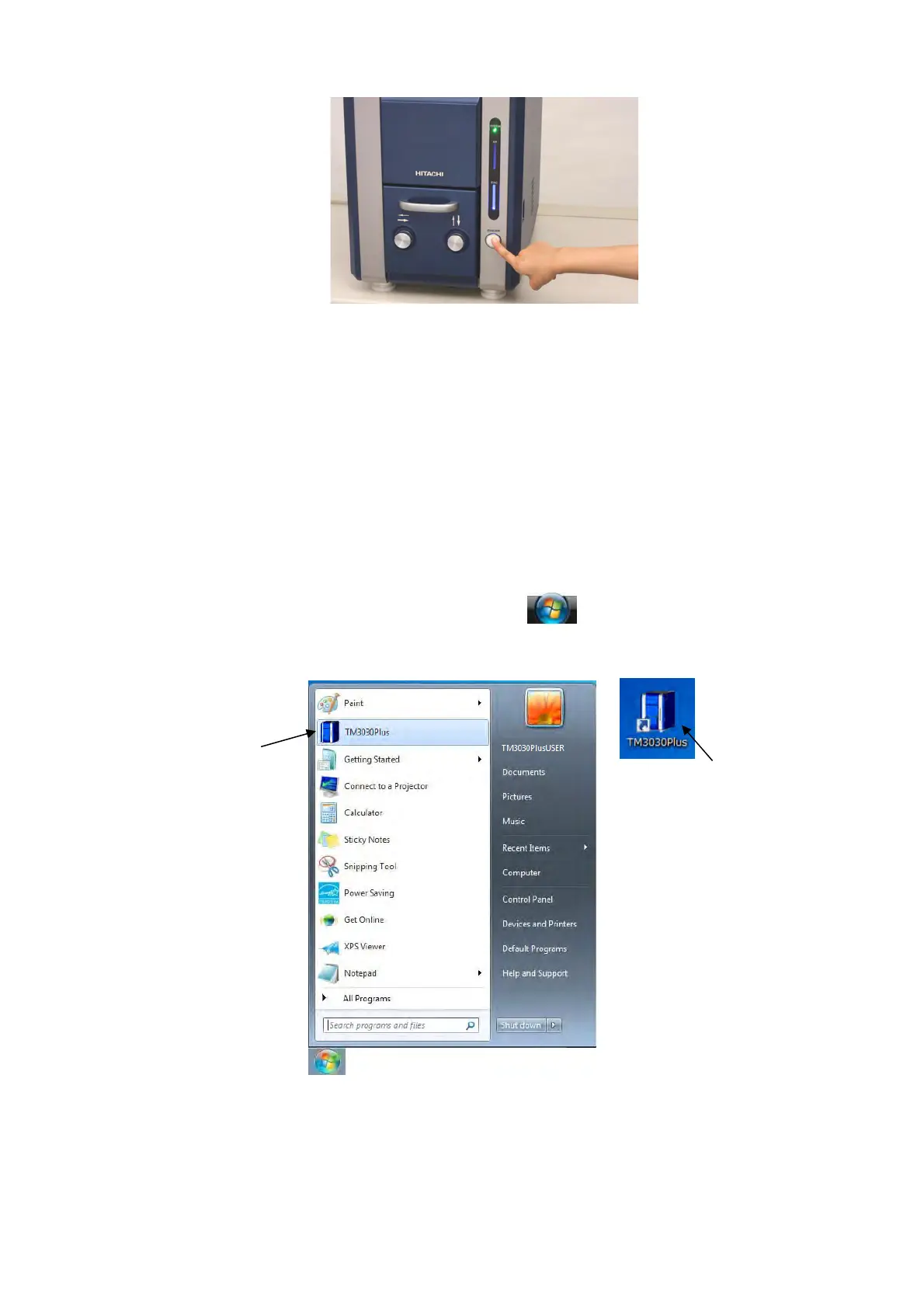
Figure 4.2.1-5 EVAC / AIR Switch Operation
5. Connect the USB cable coming from the main unit to the USB port on the back of the PC.
6. Turn on the PC.
7. Start the application.
7a. Choose one from the followings to start the application:
Double-click the [TM3030Plus] shortcut icon on the desktop screen.
S
elect [TM3030Plus] from the start menu
.
Right-click the shortcut icon and select [Open].
Figure 4.2.1-6 Starting Application
Double-click or
right-click and select [Open]
Select



 To Next Page