4 - 44
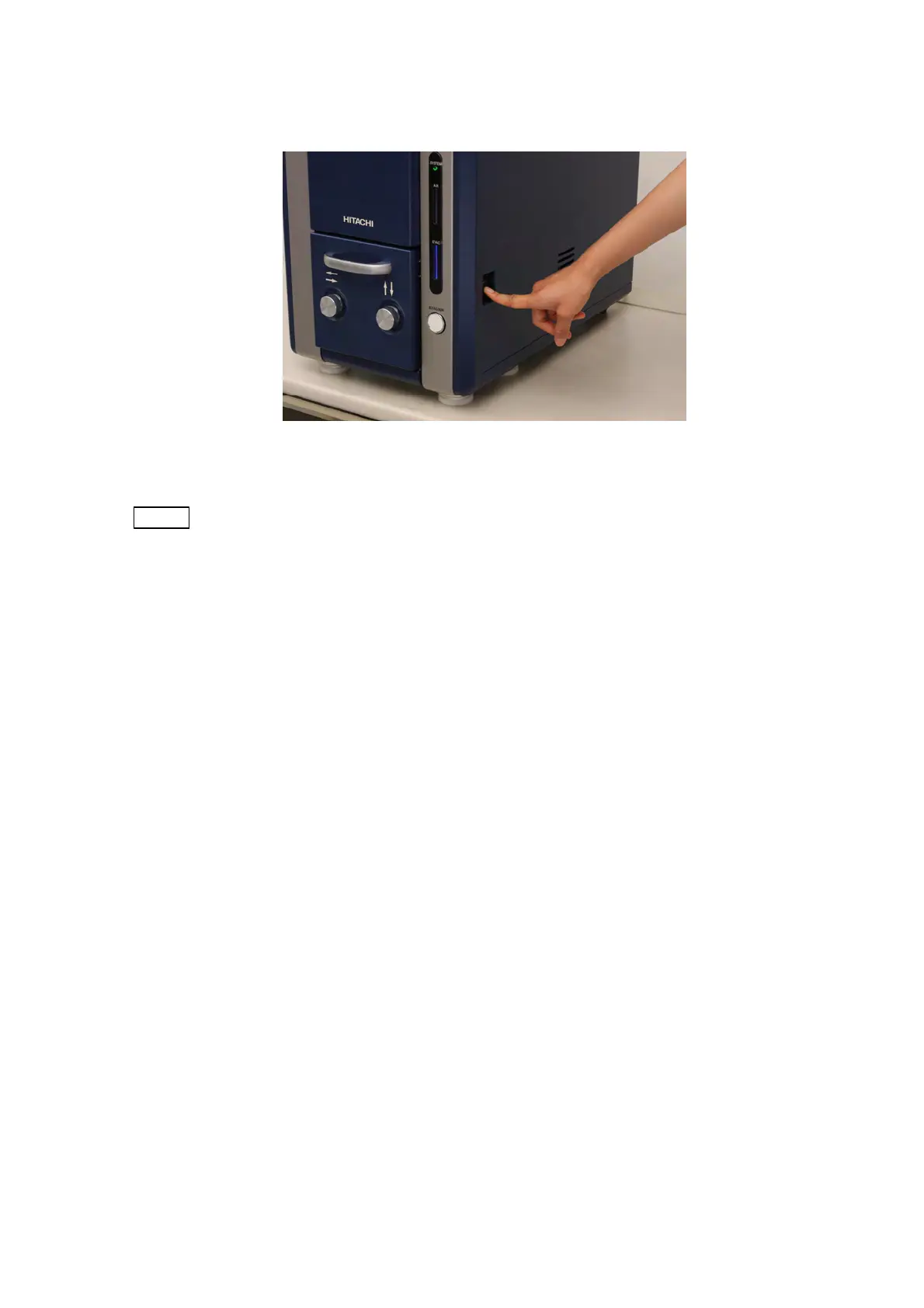
4. Press the Power switch on the main unit to turn it off.
Figure 4.2.15-3 System Shutting Down
NOTE
: If image observation is not performed for a long time, activate the main unit and
evacuate air from the specimen chamber at least once every two weeks in order to
keep the specimen chamber in a vacuum condition.



 To Next Page