4 - 71
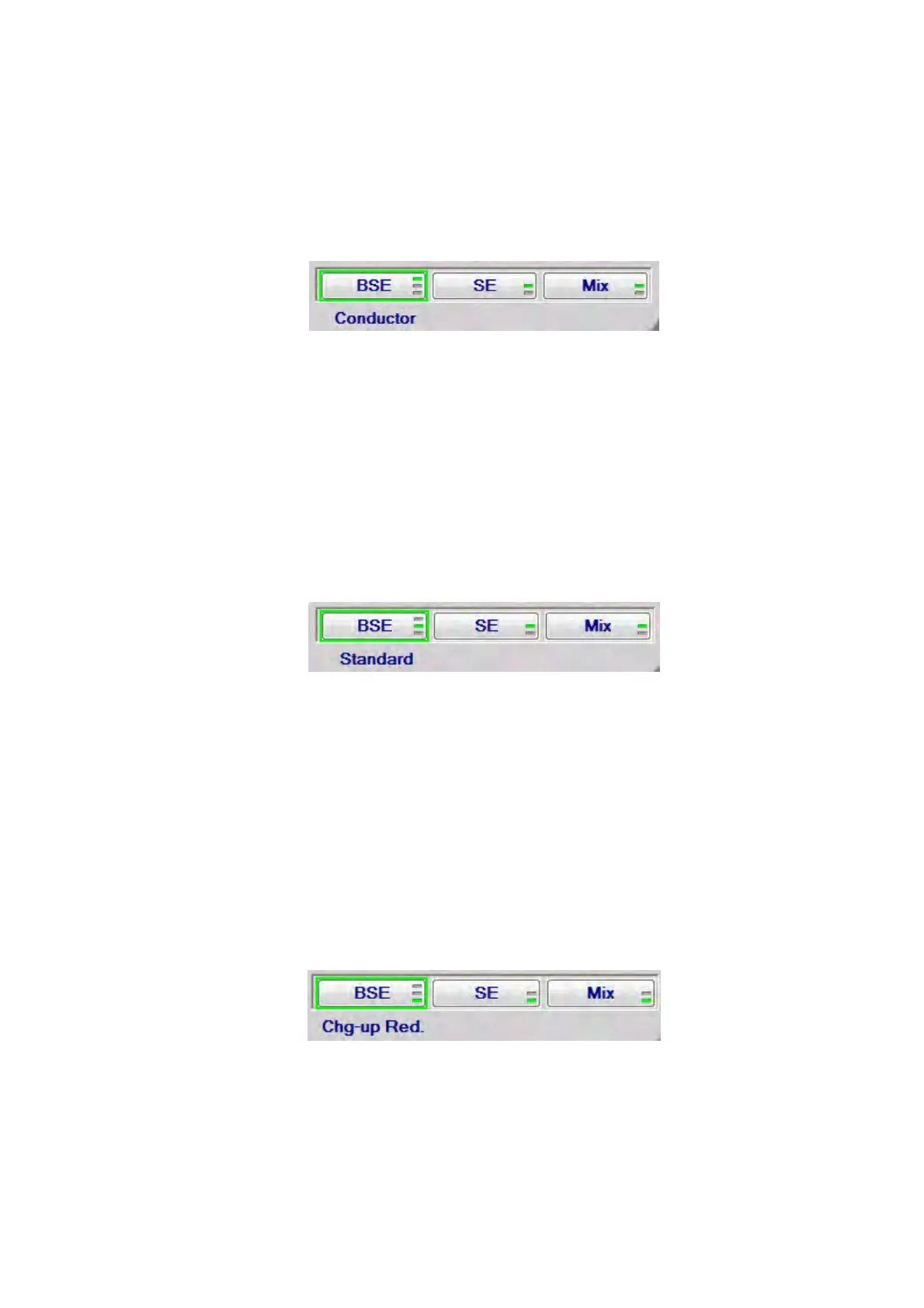
1a. Conductor
This observation mode is suitable for observing conductive samples, such as metal
materials. When observing the fixed field of view of conductive samples using each
image signal (BSE / SE / Mix), it is recommended that not [Conductor] but [Standard]
should be selected.
Figure 4.3.13-2 Signal Select / Observation Mode Settings (BSE – Conductor)
1b. Standard
This observation mode is suitable for observing conductive or non-conductive
sample. Select this mode especially when observing non-conductive samples (e.g.
plastic, paper, fiber, rubber, ceramic, biological samples or foods).
When [Standard] is selected, the [M] mark is displayed in the information area located
in the lower right part of the image observation area. (see 4.3.2)
Figure 4.3.13-3 Signal Select / Observation Mode Settings (BSE – Standard)
1c. Chg-up Red.
When observing non-conductive samples in the [Standard] mode, brightness /
contrast can change over time (i.e. brightness change) or image can look shifted
unexpectedly (i.e. image deviation). In such cases, it is recommended to set the
observation mode to [Chg-up Red.].
When [Chg-up Red.] is selected, the [L] mark is displayed in the information area
located in the lower right part of the image observation area. (see 4.3.2)
Figure 4.3.13-4 Signal Select / Observation Mode Settings (BSE – Chg-up Red.)



 To Next Page