4 - 88
3. Rotating the Image Clockwise by 90° from the Current Position
By clicking the
mark, the image is rotated clockwise by 90° from the current position.
4. Rotating the Image Counterclockwise by 90° from the Current Position
By clicking the
mark, the image is rotated counterclockwise by 90° from the current
position.
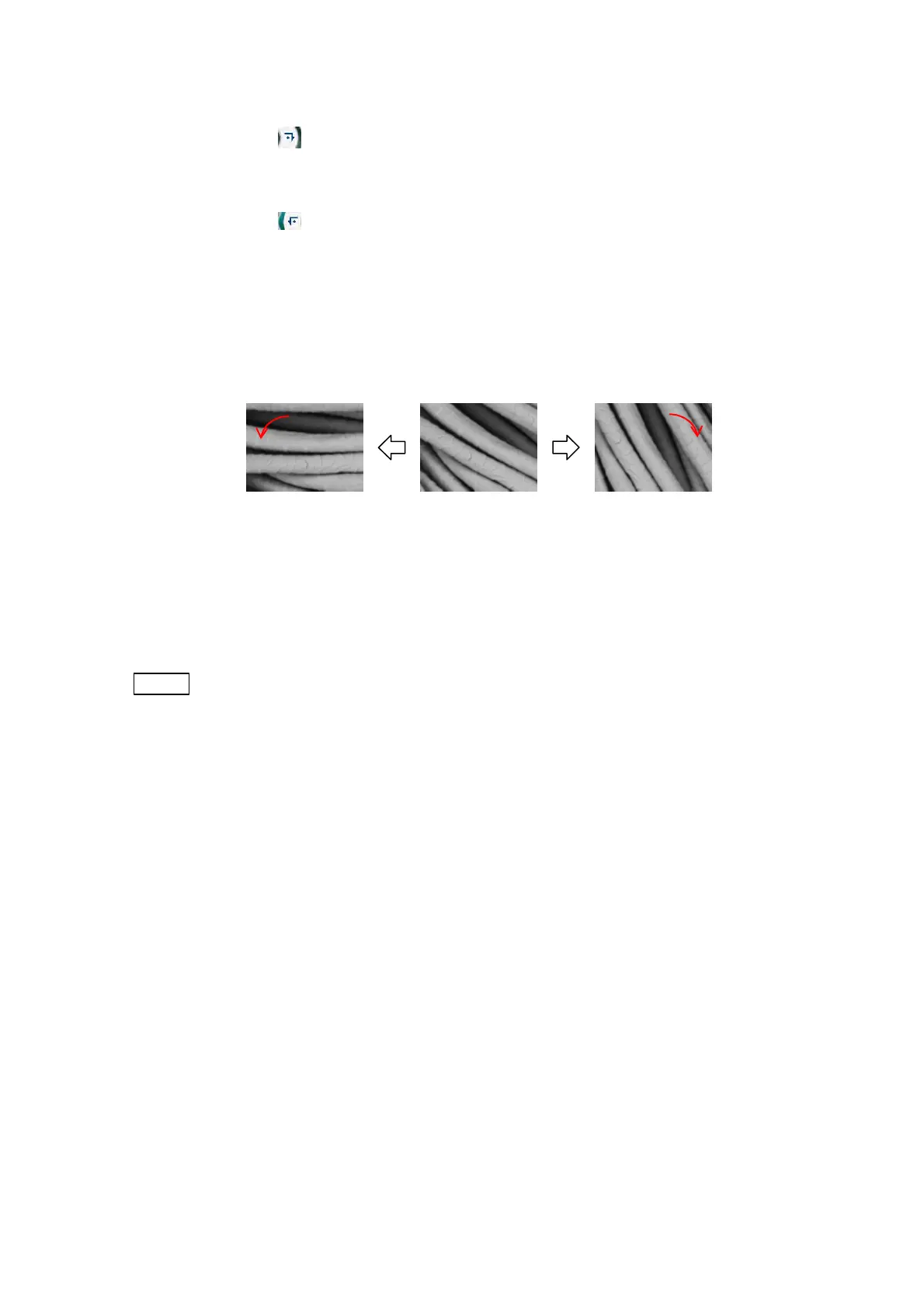
5. Fine-Adjusting the Rotational Position
By clicking the + mark, the image is rotated clockwise; by clicking the – mark, it is rotated
counterclockwise. While clicking either mark, the image is continuously rotated.
Figure 4.3.24-2 Image Rotation Operation
The indicator in the center of the [Rotation] button shows the current rotation angle.
When the rotation angle is 0° (reference position), it points to the upward direction.
NOTE
: In the case where a manual stage is installed and the rotation angle is other than
0° (reference position), the XY knobs operation does not correspond to the
direction of image shift.
Image turns to (-) Image turns to (+)



 To Next Page