4 - 90
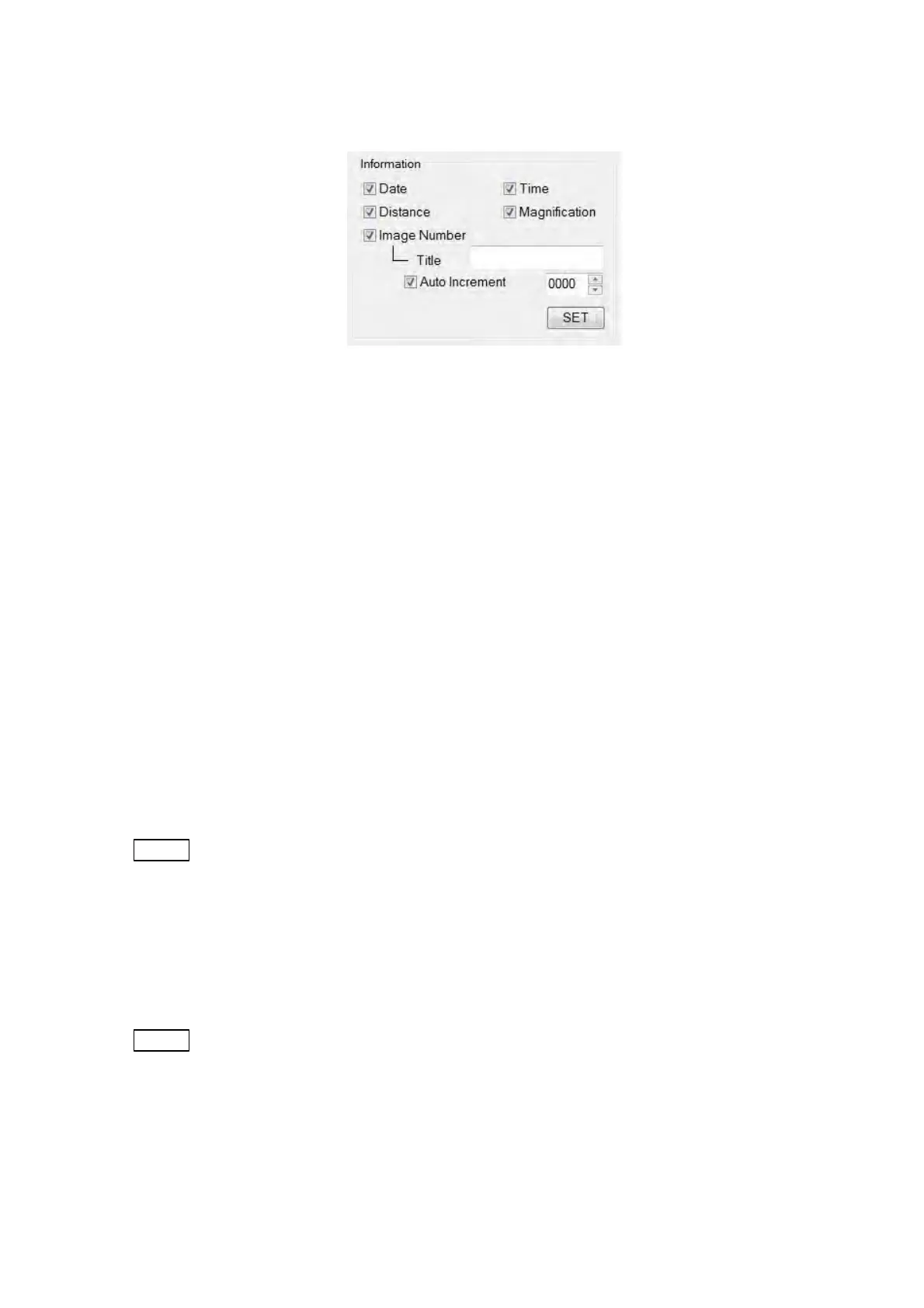
1a. Information
Figure 4.3.25-4 Information Block
(1) Date
Specifies show / hide for the date in the [Information / Comment] area. When
[Date] is selected, the date for saving an image will be displayed. (Save Image
type: other than [Image Only])
(2) Time
Specifies show/hide for the time in the [Information / Comment] area. When
[Time] is selected, the time for saving an image will be displayed. (Save Image
type: other than [Image Only]).
(3) Distance
Specifies show / hide for the distance in the [Information / Comment] area. When
[Distance] is selected, the distance upon saving an image will be displayed.
(Save Image type: other than [Image Only])
NOTE
: [Distance] means the distance from the BSE detector (D=0) to a specimen surface.
(4) Magnification
Specifies show / hide for the magnification in the [Information / Comment] area.
When [Magnification] is selected, the magnification upon saving an image will be
displayed. (Save Image type: other than [Image Only])
NOTE
: The magnification is indicated in the form of [xMMM] in the [Information /
Comment] area. When the magnification is greater than 1,000x, it is indicated in
the [xM.Mk] form; when the magnification is greater than 10,000x, it is indicated in
the [xMMk] form.



 To Next Page