4 - 92
Table 4.3.25 Image Type and Image Save Size
Image Type Quick Save Save
Image only 640x480 pixels 1280x960 pixels
Image + information 640x520 pixels 1280x1040 pixels
Image + information + comments 640x550 pixels 1280x1100 pixels
When selecting each [Image Type], the display in the [Information / Comment] area
and corresponding image to be saved will be as follows:
(1) Image only
Information / Comment area
The characters in the [Information / Comment] area are hidden.
Figure 4.3.25-7 Information / Comment Area (Characters: Hidden)
Saved Image
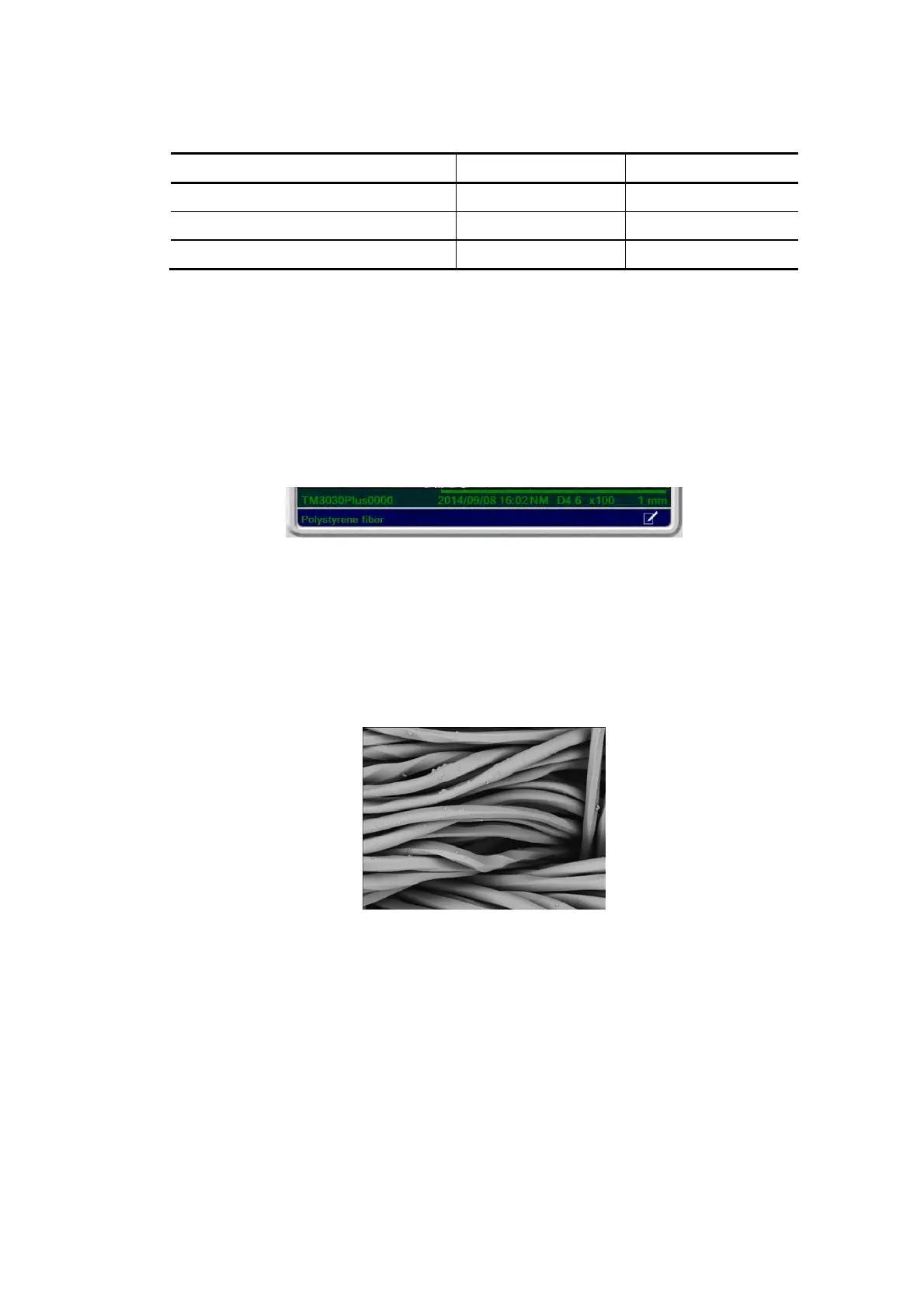
The saved image is an image file consisting of an only observation image
(Save Image size: [Save]: 1280x1024 pixels, [Quick Save]: 640x480 pixels).
Figure 4.3.25-8 Saved Image (Characters: Hidden)



 To Next Page