5 - 19
8. Gently close the top cover.
Figure 5.2-17 Opening and Closing the Top Cover (2)
CAUTION
: The finger might get injured in the opening and shutting part of the top
cover. Be careful not to pinch your fingers when opening and shutting.
9. Checking Performance
After replacing the filament, check image quality by using the supplied reference sample.
Use the same method if image deterioration becomes apparent after the system is used.
9a. Set the supplied reference sample in the standard position.
Refer to 4.2.3 Changing Specimens.
9b. Perform auto-brightness adjustments, focusing adjustments, and astigmatism
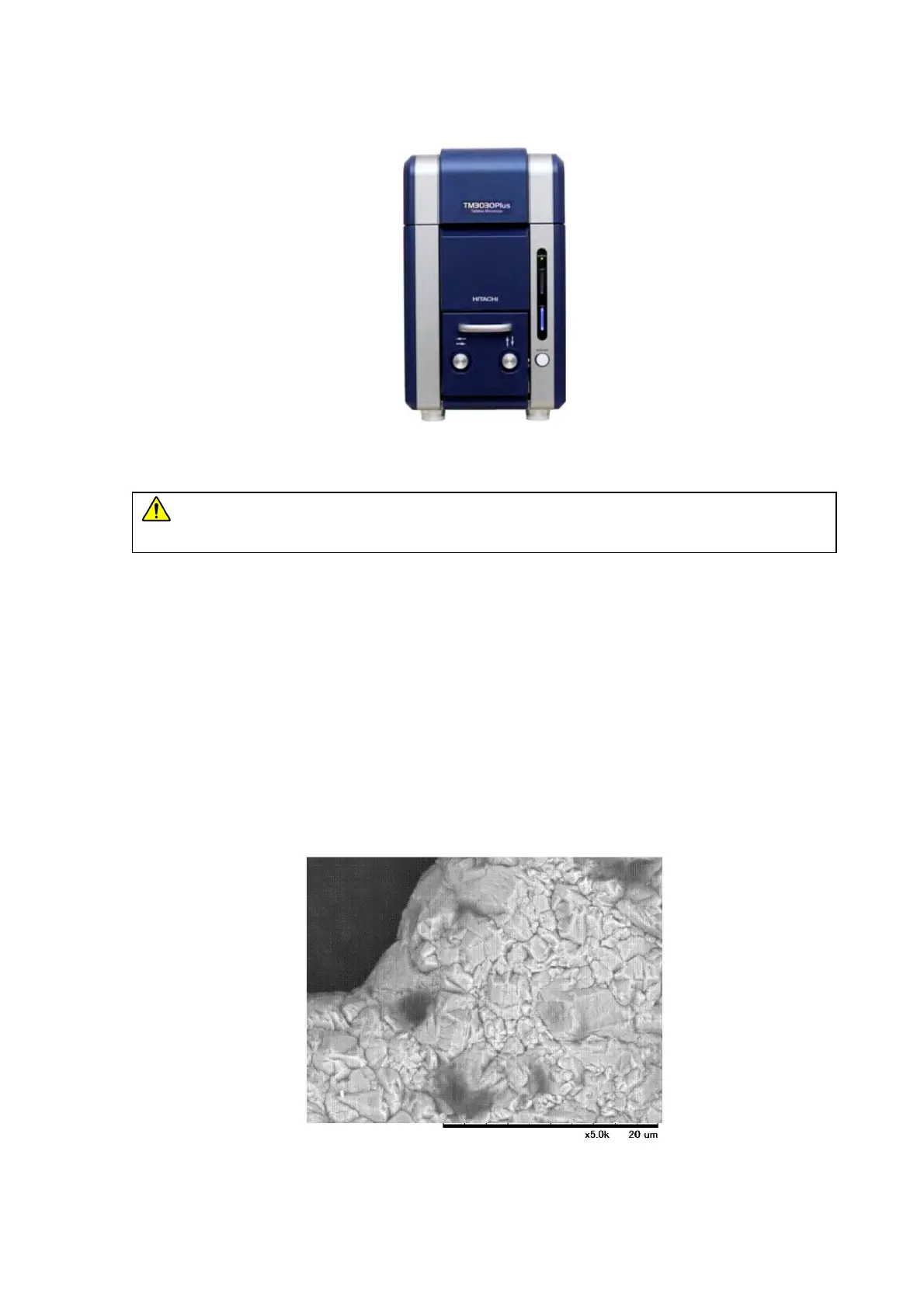
correction. At a magnification of 5,000x, the reference sample is observed as shown
in the figure below. Perform brightness, focusing adjustments, and astigmatism
correction according to 4.2.9 to 4.2.11.
Figure 5.2-18 Image Reference Sample, 5,000x Reference Image



 To Next Page