7 - 17
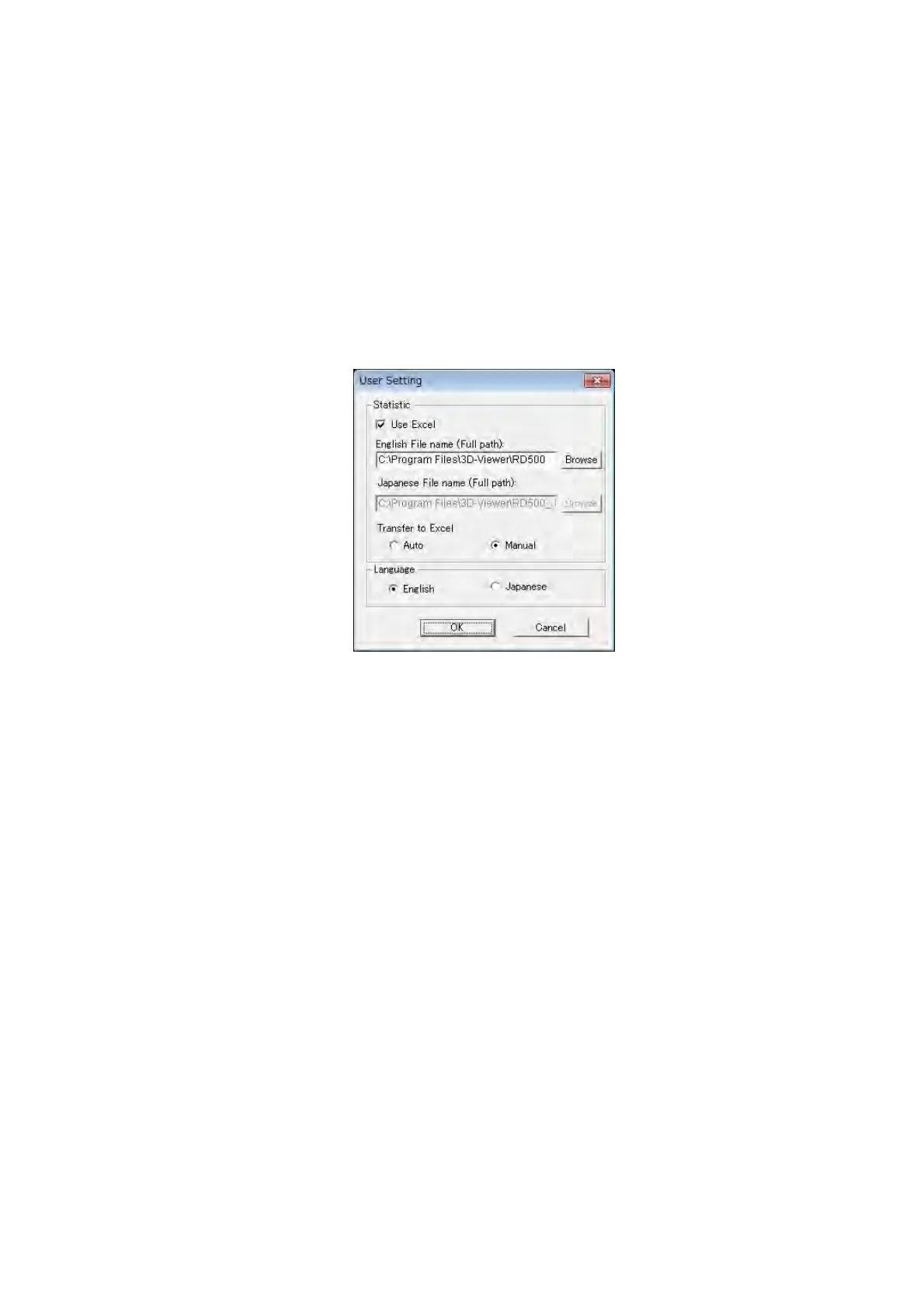
User Setting
Displays the User Setting dialog to perform settings of transferring data to Excel and the
language of a menu.
Use Excel: Line roughness measurement and image/profile measurement result can be
transferred to Excel by checking the checkbox.
English File name (Full path): Specifies the destination to save the Excel macro file for
transferring to Excel. The 3D-Image Viewer is set as a
default installation destination. Use the default setting if
changing the destination is not required.
Figure 7.9-3 User Setting Dialog
Exit
Ends the operation of 3D-Image Viewer, and shuts this window.


 To Next Page
 Loading...



