7 - 24
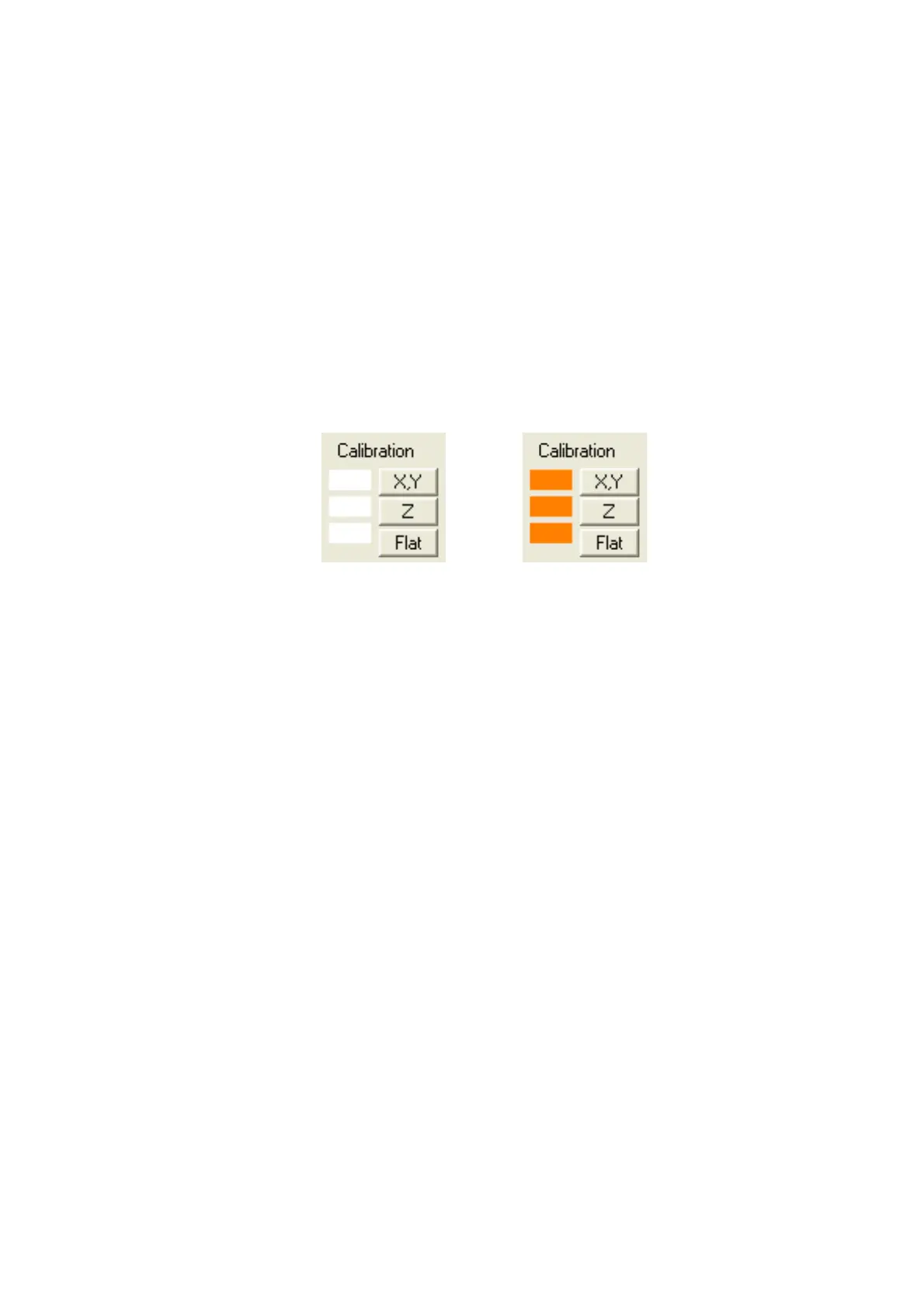
Calibration button
Executes X, Y, Z, and Flat calibration. The functions of X, Y, Z, and Flat buttons are the same
as menus explained in 7.9 Menu Functions 5. [Calibration] menu. When executing the
calibration, an orange mark is displayed at the left side of each button.
See 7.9 Menu Functions 5. [Calibration] menu, 7.22 Calibration of 3D Measurement.
X, Y: Calibrates X and Y measurements.
Z: Calibrates Z measurement.
Flat: Executes the flatness calibration to correct the sensitivity difference etc. of the BSE
detector.
(Without calibration) (With calibration)
Figure 7.10-2 Example of Displaying Calibration State


 To Next Page