7 - 57
3. Specify the second and third lines on the image view according to the procedure similar
to 1., and select 3 points for correction of the height on the profile.
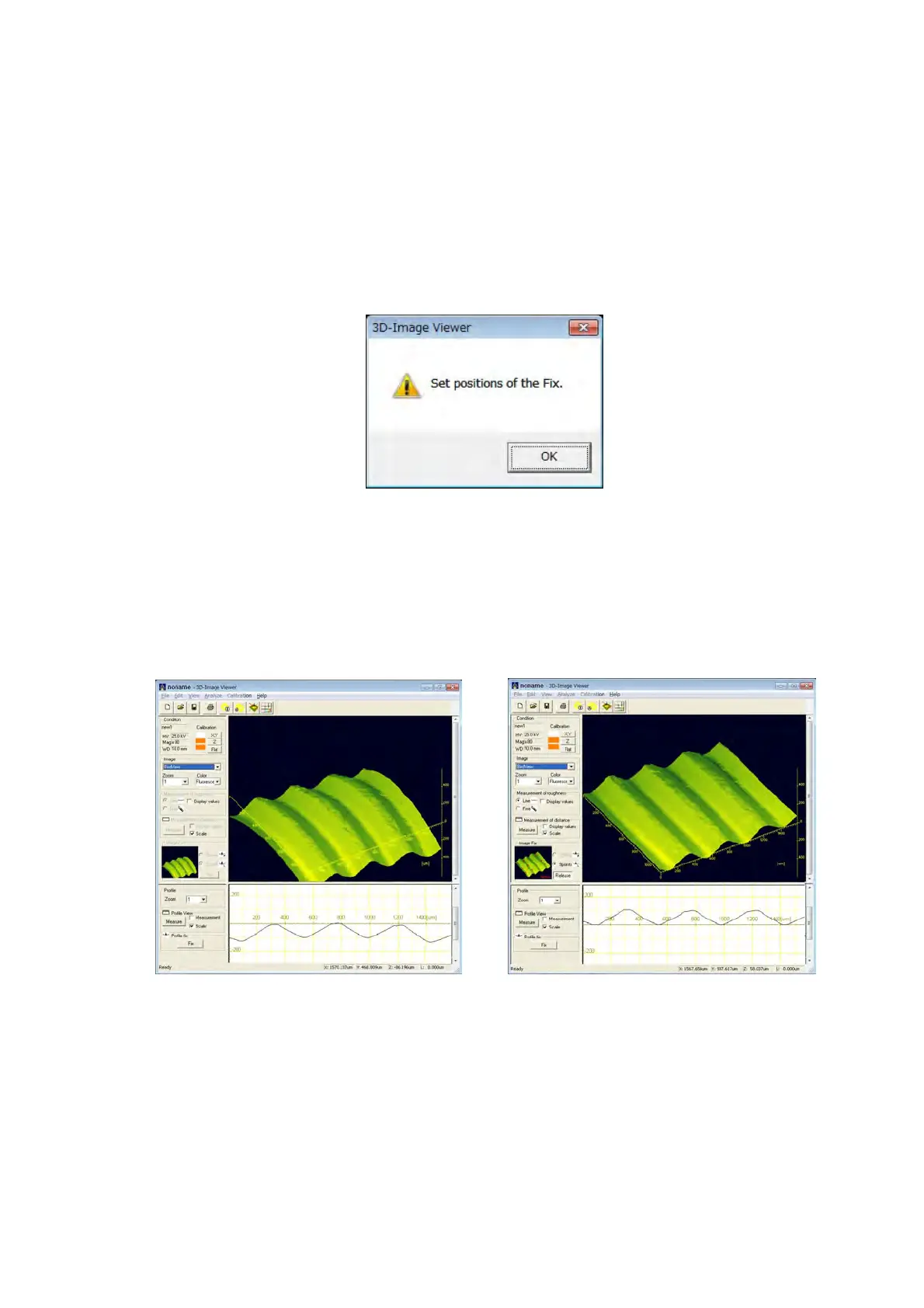
4. After specifying 3 points, the confirmation message in Figure 7.18.2-3 is displayed. Click
the [OK] button and apply the Image Fix.
When executing the Image Fix, the [Fix] button changes into the [Release] button. Click
the [Release] button to release the Image Fix.
Figure 7.18.2-3 Confirmation Message of the Image Fix
The example of correction that uses the Image Fix 9 points is shown in Figure 7.18.2-4,
where the thread part carved on the cylinder column surface to the flat surface is
corrected and only the height of the thread part is observed.
Before correction After correction
Figure 7.18.2-4 Example of Executing the Image Fix 9 points



 To Next Page