7 - 67
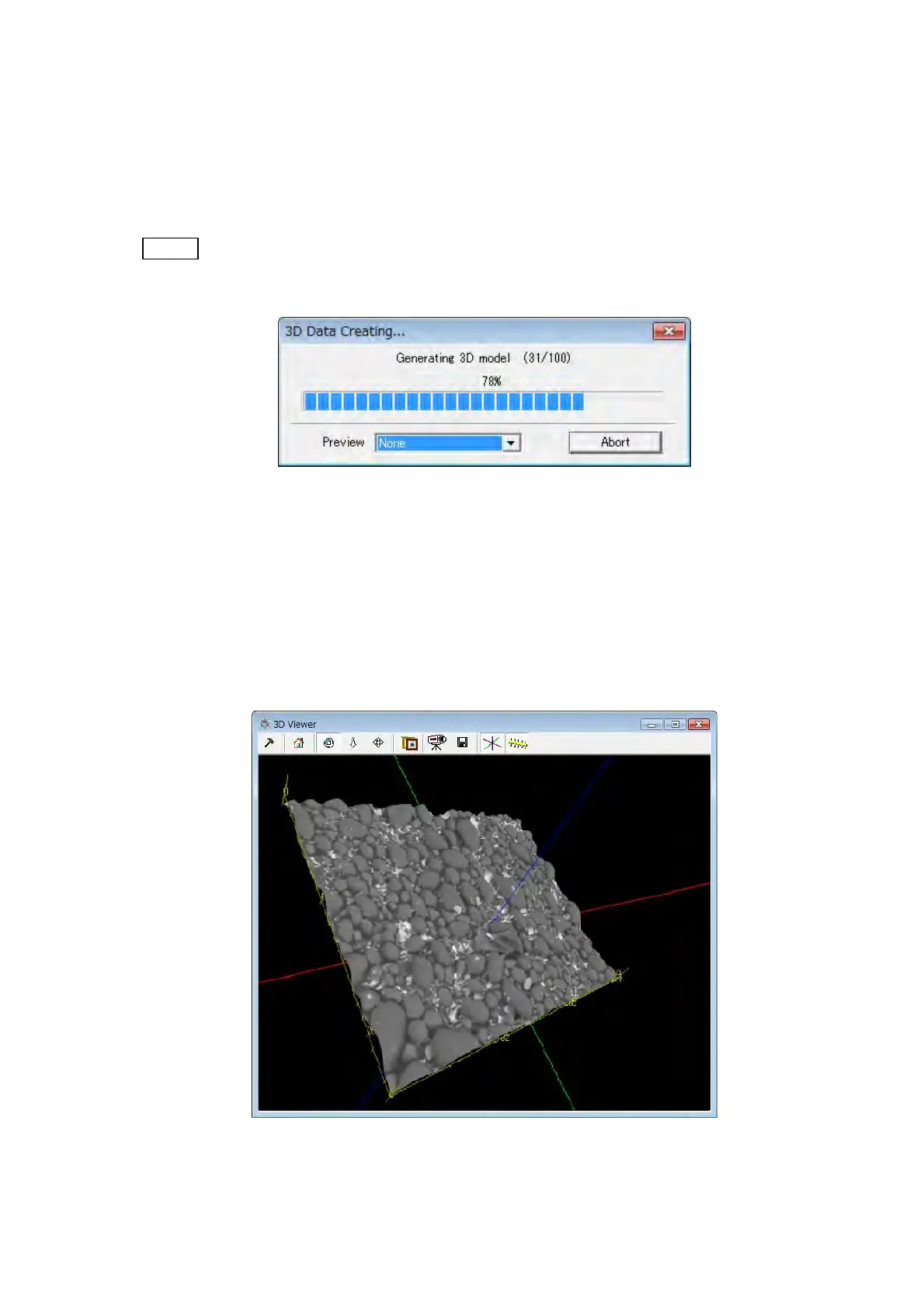
Creating 3D model is started and the 3D Data Creating dialog is displayed. Push the
[Abort] button when discontinuing it halfway. When A, B or C is selected with the 3D Data
Creating dialog displayed, 3D model creating process can be displayed respectively by
the wire frame model. The Preview is set to the [None] as a default.
NOTE
: The 3D model creation time becomes longer when the Preview is set to
[Simply], [Normally] or [Detailed] except [None].
Figure 7.21-4 3D Data Creating… Dialog
3. Displaying a 3D Model
3D model is displayed on the 3D Viewer window, when creating 3D model is completed.
Using the [Tool] button provided in the 3D Viewer window, the image can be rotated,
zoomed, and moved. For a description of button functions, see 7.13 3D Viewer
Functions.
Figure 7.21-5 3D Viewer Window



 To Next Page