2 - 26
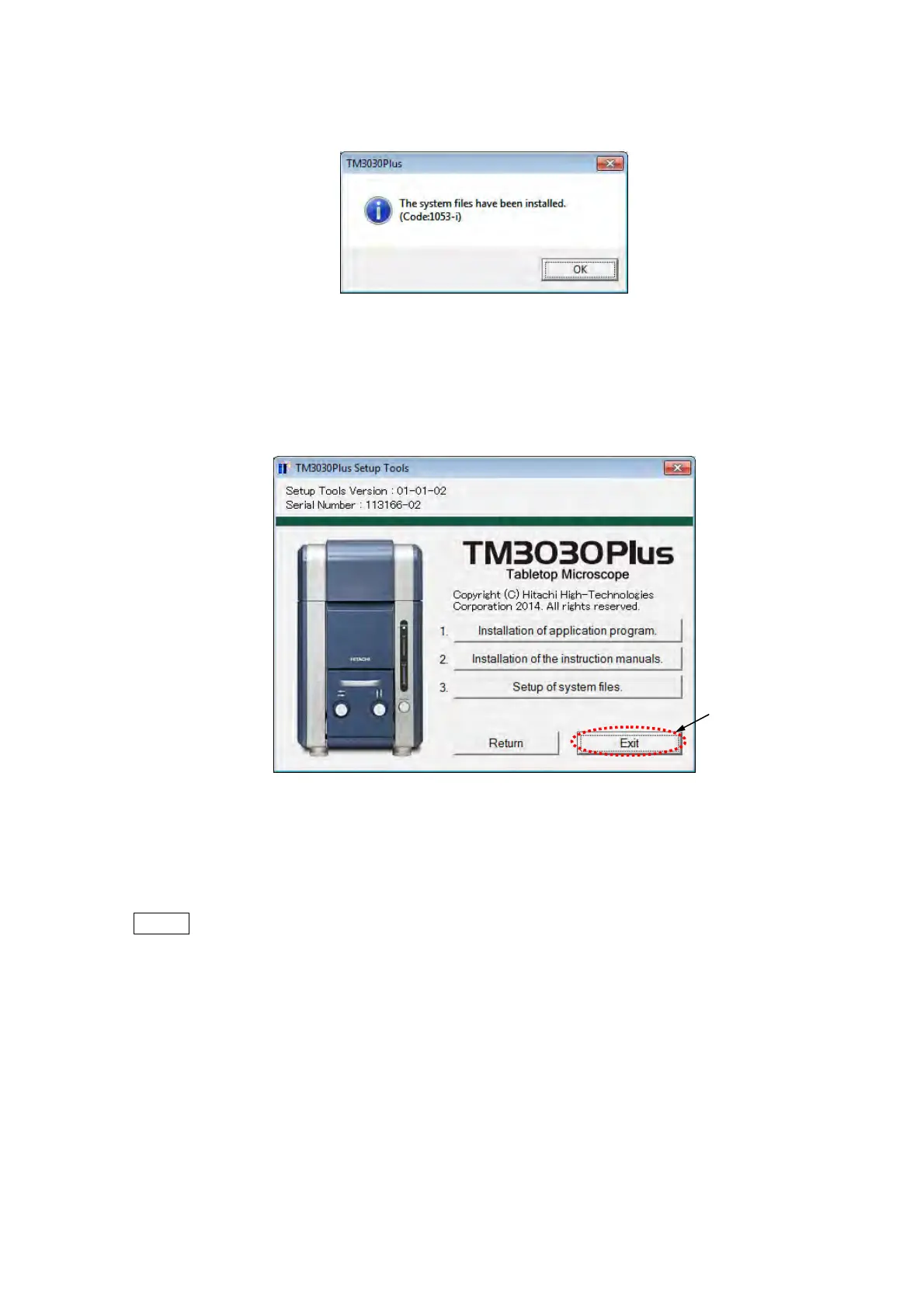
3. After finishing the installation, the following window appears. Click the [OK] button.
Figure 2.3.3-3 System Installed Window
4. Click the [Exit] button in the [TM3030Plus Setup Tools] window.
Figure 2.3.3-4 TM3030Plus Setup Tools Window (Installation)
5. Take out the setup CD-ROM from the CD/DVD drive.
NOTE
: Keep the TM3030Plus setup CD-ROM at hand because factory default system
data is saved in it.
Click



 To Next Page