2 - 40
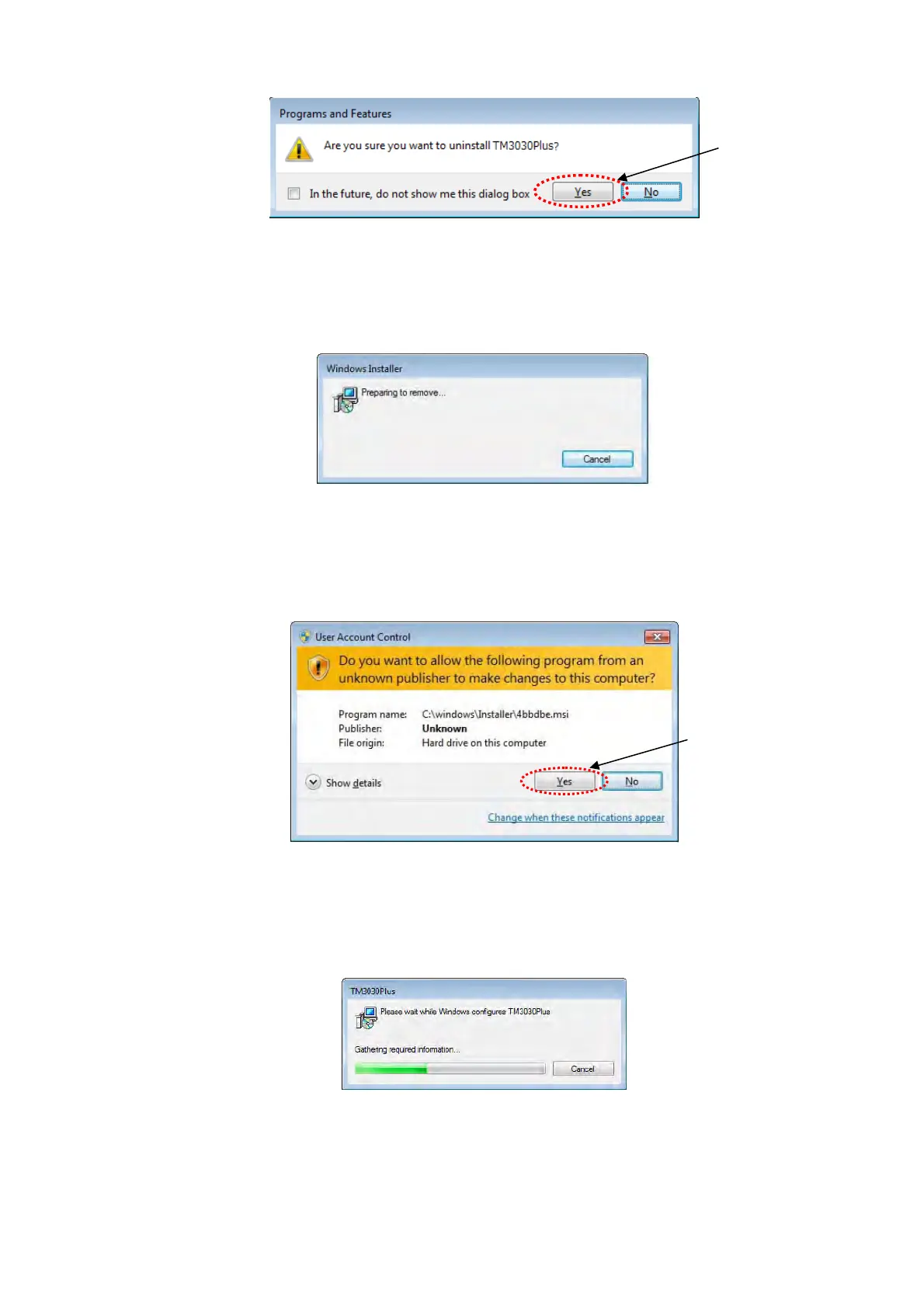
Figure 2.4.1-3 Programs and Features Window
5. The following window appears. Wait a moment.
Figure 2.4.1-4 Windows Installer Window
6. When the following window appears, click the [Yes] button.
Figure 2.4.1-5 User Account Control Window
7. The following window appears and the uninstallation starts.
Figure 2.4.1-6 Windows configures TM3030Plus Window
Click
Click



 To Next Page