2 - 51
2. Repairing of the Application Program
When installing the application program of the same version as already installed, the
following [Repair] program appears. Use this function when some trouble occur with the
application program.
NOTE
: Confirm the version of the TM3030Plus application program by seeing the
[Upgrade for TM3030Plus application] in the TM3030Plus Setup Tools. The
now-installing version is shown in the [Version Information] of the [Help] menu.
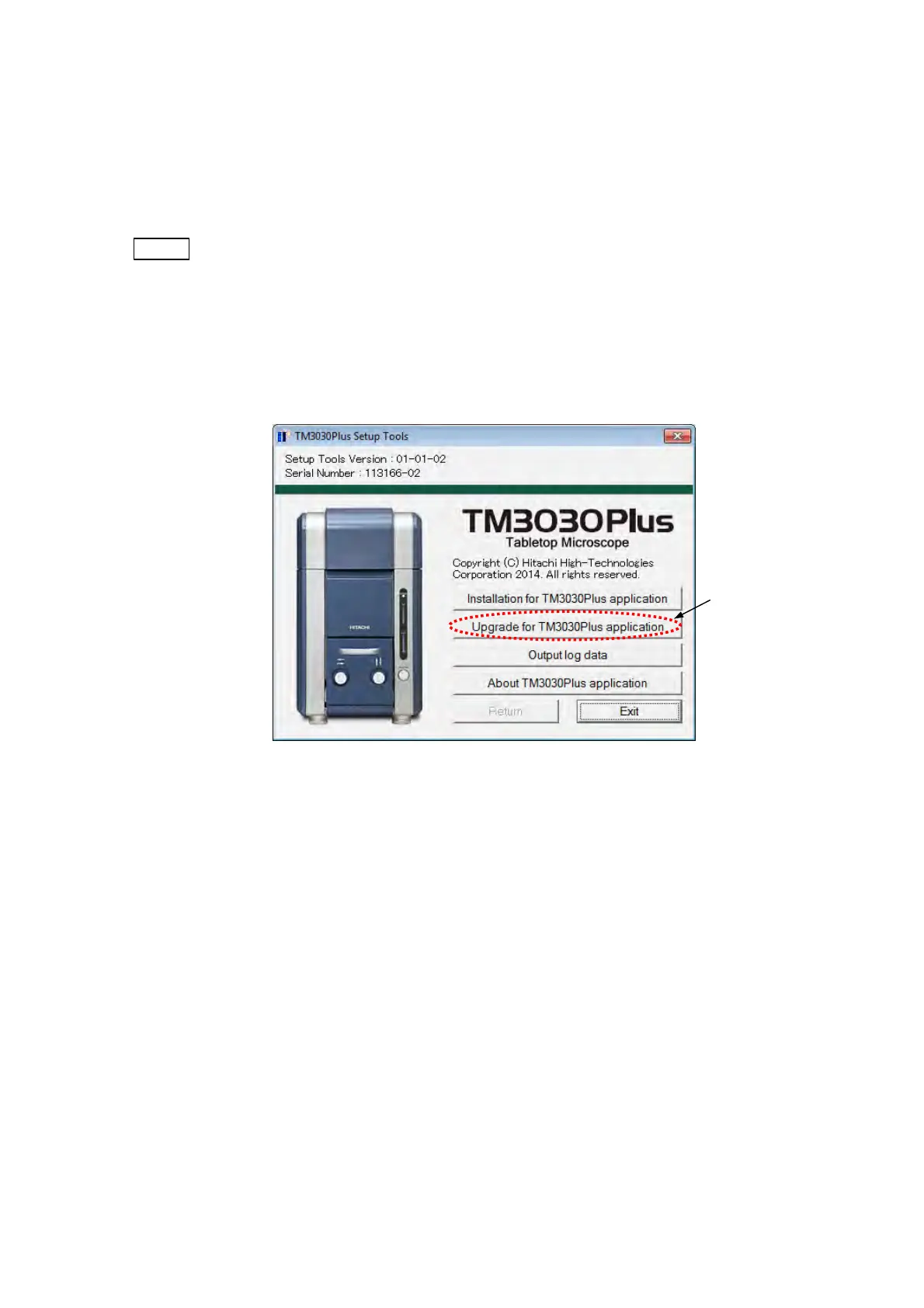
2a. Click the [Upgrade for TM3030Plus application] button of the following TM3030Plus
Setup Tools main menu.
Figure 2.5.1-15 TM3030Plus Setup Tools Window (Main Menu)
Click



 To Next Page