Chapter 10: Live Monitoring Mode
ValProbe RT User Manual 98
Chapter 10. Live Monitoring Mode
The ValProbe RT software offers a feature which allows Users to connect to the Base Station
and Loggers and display live data. Unlike a Qualification Study no data is captured or stored,
and no reports generated. There is no Setup required only Loggers which are discovered and
connected are displayed.
Monitor mode is ideal for testing, inspecting hardware components and connectivity of all
devices. Use the Monitor mode to check network connectivity to the Base Station, or Logger
battery life or signal strength, or verify connectivity to an IRTD / Bath / humidity chamber.
10.1. Initiating Monitor Mode
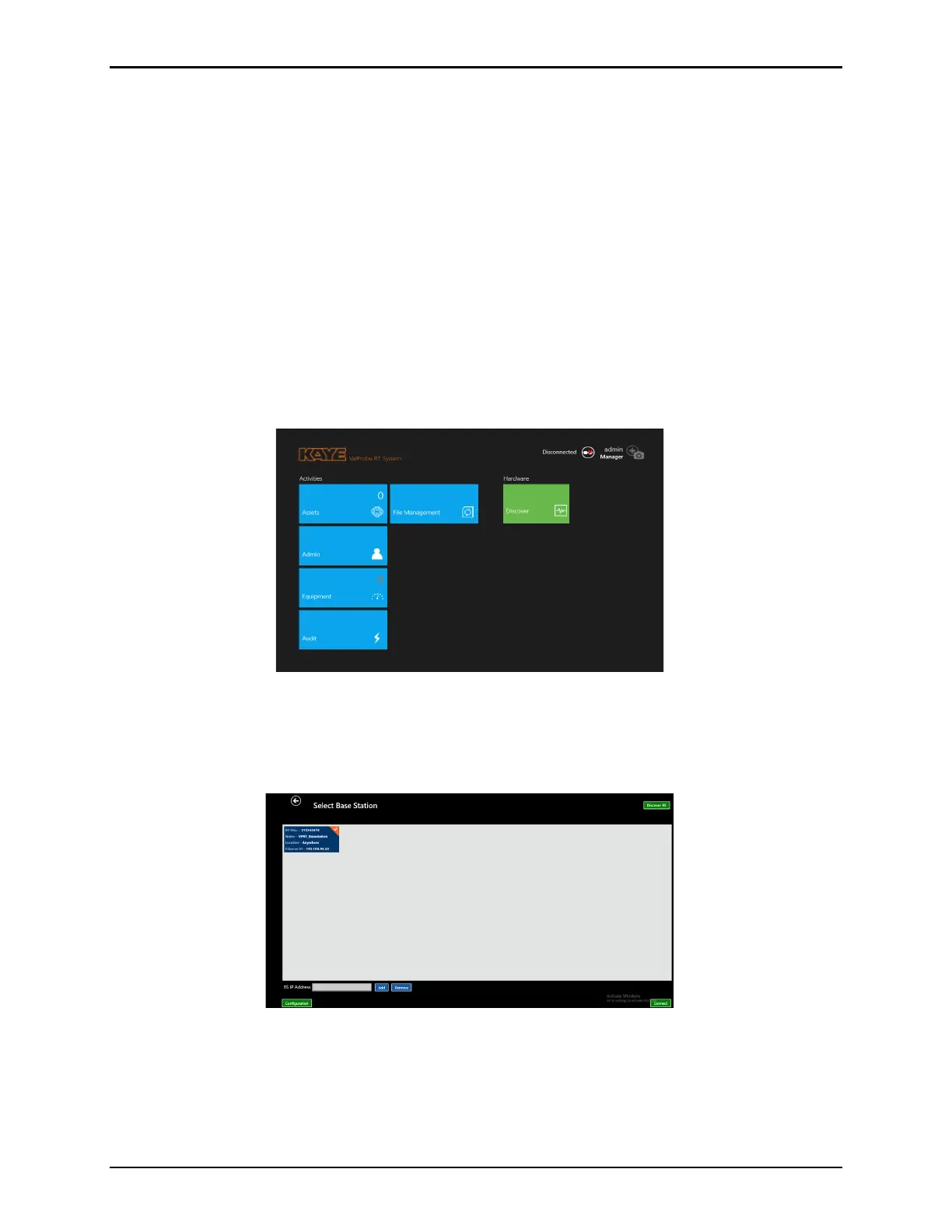
From the Main Menu, select the Discover tile, located in the Hardware screen, to open the
Select Base Station screen.
Figure 129: Monitor Mode
Select Discover BS to search for connected Base Stations. If a Base Station is found, select
the Base Station, and select Connect. If the Base Station is not found, see Chapter 3 for
detailed information on how to connect to a Base Station.
Figure 130: Select Base Station
When at the Select Loggers screen, awaken all Loggers requiring connection to the Base
Station using the Wakeup Device or the Base Station Status Panel magnet. As Loggers are
found, the Base Station beeps and the Logger tiles appear on the Select Loggers screen.



 To Next Page