Chapter 3: ValProbe RT System Connections
ValProbe RT User Manual 35
3.2. Network Ethernet Connection – DHCP
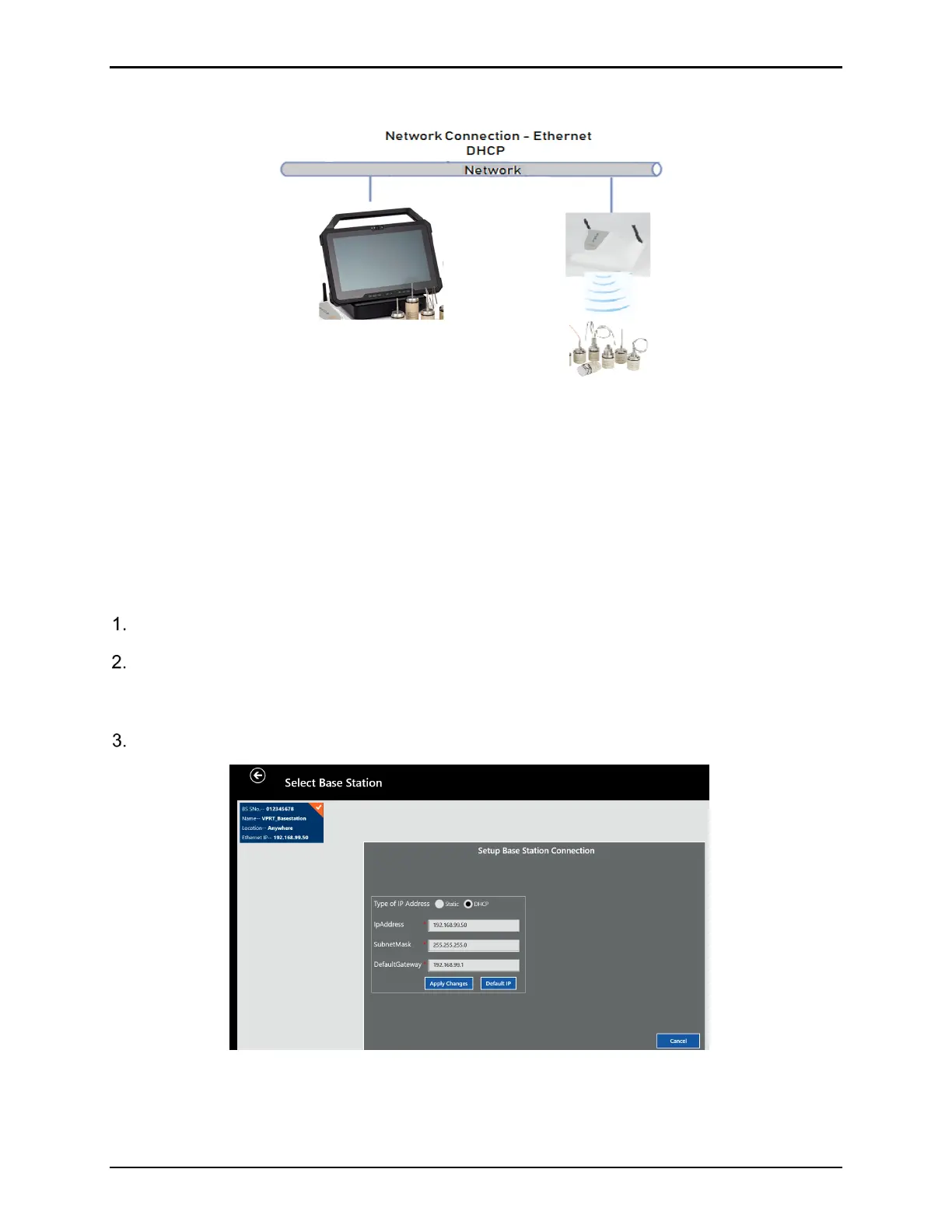
Figure 48: Network Connection
The ValProbe RT can also be configured to communicate using a company or private network
via DHCP. The ValProbe RT system is factory configure to utilize Direct Connection using a
Static IP address of 192.168.99.55 for the Console and 192.168.99.50 for the Base Station. To
change this for Network connection using DHCP the system must be first connected via Direct
Connection to communicate the changes to the Base Station.
To convert the system from Direct Ethernet connection via Static IP to a network connection
via DHCP, perform the following steps:
Connect the system via Direct Connection following Steps1-9 in Section 3.1.
From the Main Menu select Discover to go to the Select Base Station Screen. Select the
Base Station connected via direct connect with an IP address of 192.168.99.50 then press
Setup BS Connection.
Select Set Base Station IP.
Figure 49: Set Base Station IP



 To Next Page