Chapter 6: Equipment
ValProbe RT User Manual 62
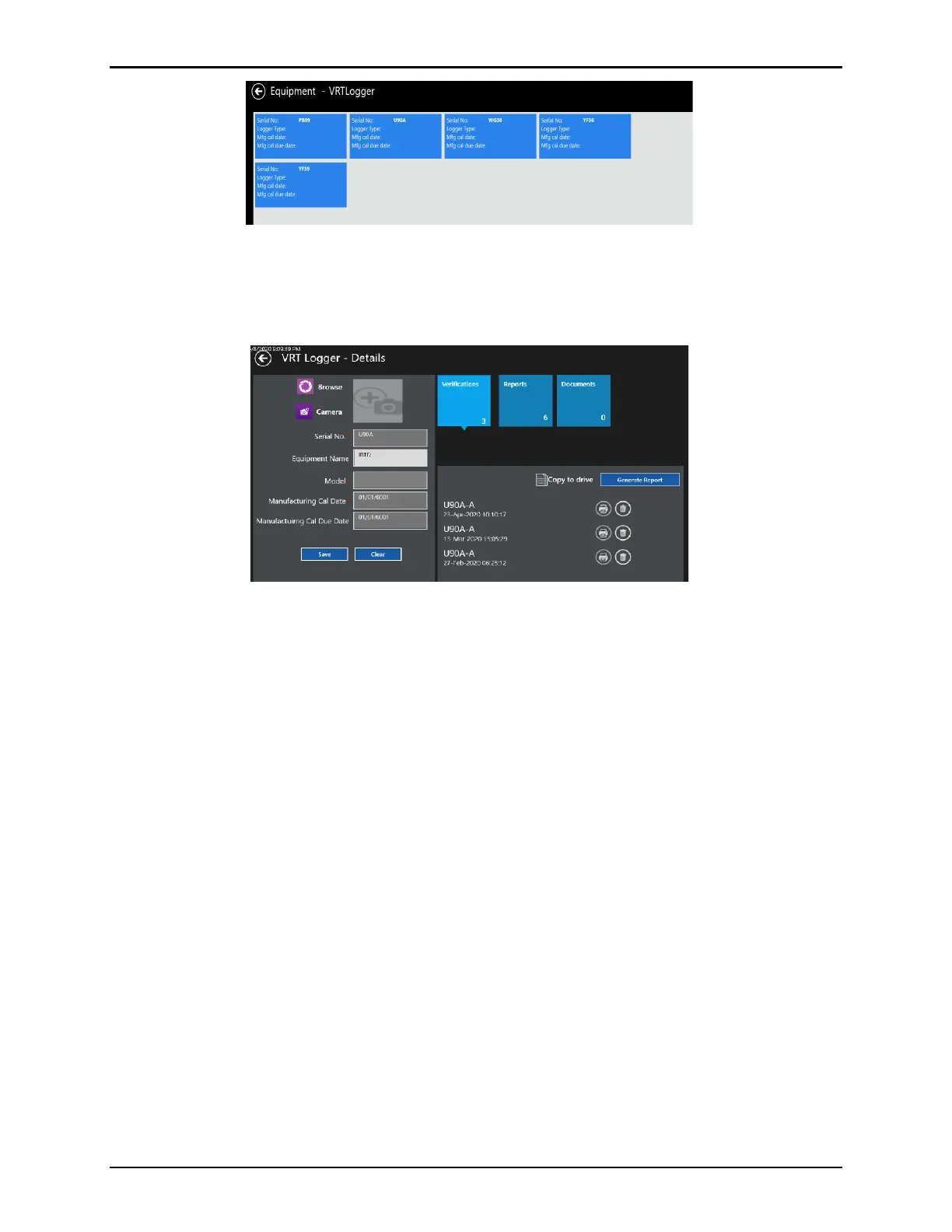
Figure 84: VRT Loggers
The Logger tile lists all available Sensor Verification study files including, the setup name,
date, run number, and comments. After selecting a study file, Generate Report or select the
blue Reports tile and a previously generated Verification .pdf report.
Figure 85: Logger Contents
Select the blue Documents tile to upload documents such as Logger manufacturing
Calibration certificate for storage and easy access.
6.2. Calibration Reminder
The Equipment tile includes a Calibration reminder and alert for all equipment.
To use the calibration reminder, activate and set the calibration reminder timeframe in the
Admin / Policies. The reminder timeframe specifies the number of months ahead of the
Calibration due date a User is alerted. When the equipment calibration due date is within the
calibration warning timeframe, the software alerts the User by:
• Inside the Equipment tile on the Main screen: a number corresponding to the number of
equipment due for calibration displays.
• Opening Equipment: the tiles for any equipment due for calibration are enlarged in light
blue and display the calibration due date directly within the tile.
• When equipment is recalibrated: the User is required to manually update the calibration
data and due date.



 To Next Page