Chapter 8: Defining Study Setups
ValProbe RT User Manual 70
Chapter 8. Defining Study Setups
Before running a qualification study, use the ValProbe RT software to create or modify a
setup. A setup defines everything required to run a qualification study.
Note: To create or modify a setup, permissions must be established and given by the System
Administrator in the Admin menu (User Management tab).
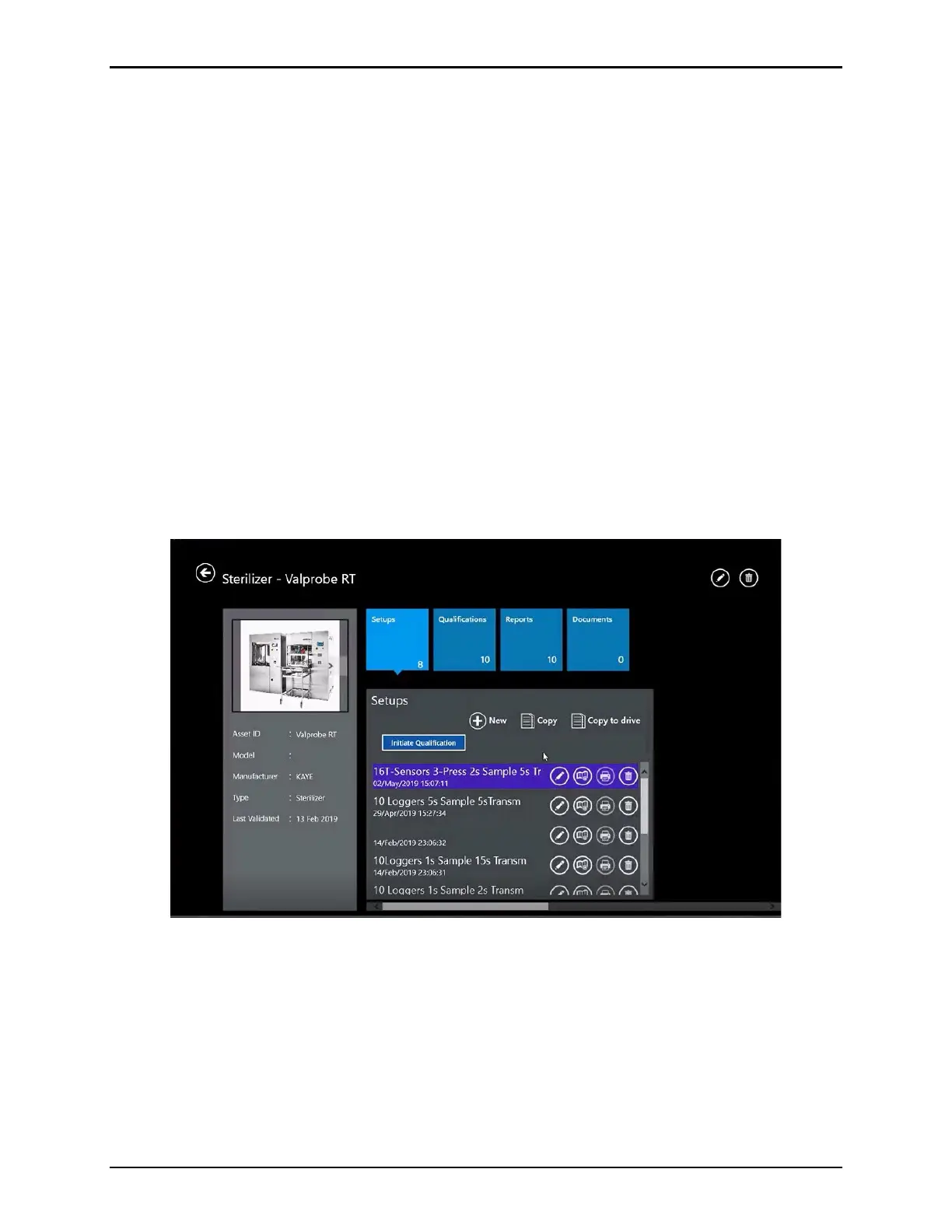
Setups are accessed from the Asset Details screen, through the Setup pane. When creating a
setup:
• Define the number and type of sensors to use in the study
• Assign sensors to groups and generate a wiring diagram
• Specify calculations to be monitored during qualification study
• Specify start and stop conditions for qualification
• Specify Logger Sample Rate, Transmission Rate, and RF Transit Threshold
When the setup is created and saved, a qualification study is ready to run.
8.1. Initiating a New Setup
Figure 94: Setup Hub Screen
From the Asset Details screen, select Setups to open the Setup Pane Hub. Select New to
open the Study Details screen.



 To Next Page