Chapter 5: File Management
ValProbe RT User Manual 57
Sync In
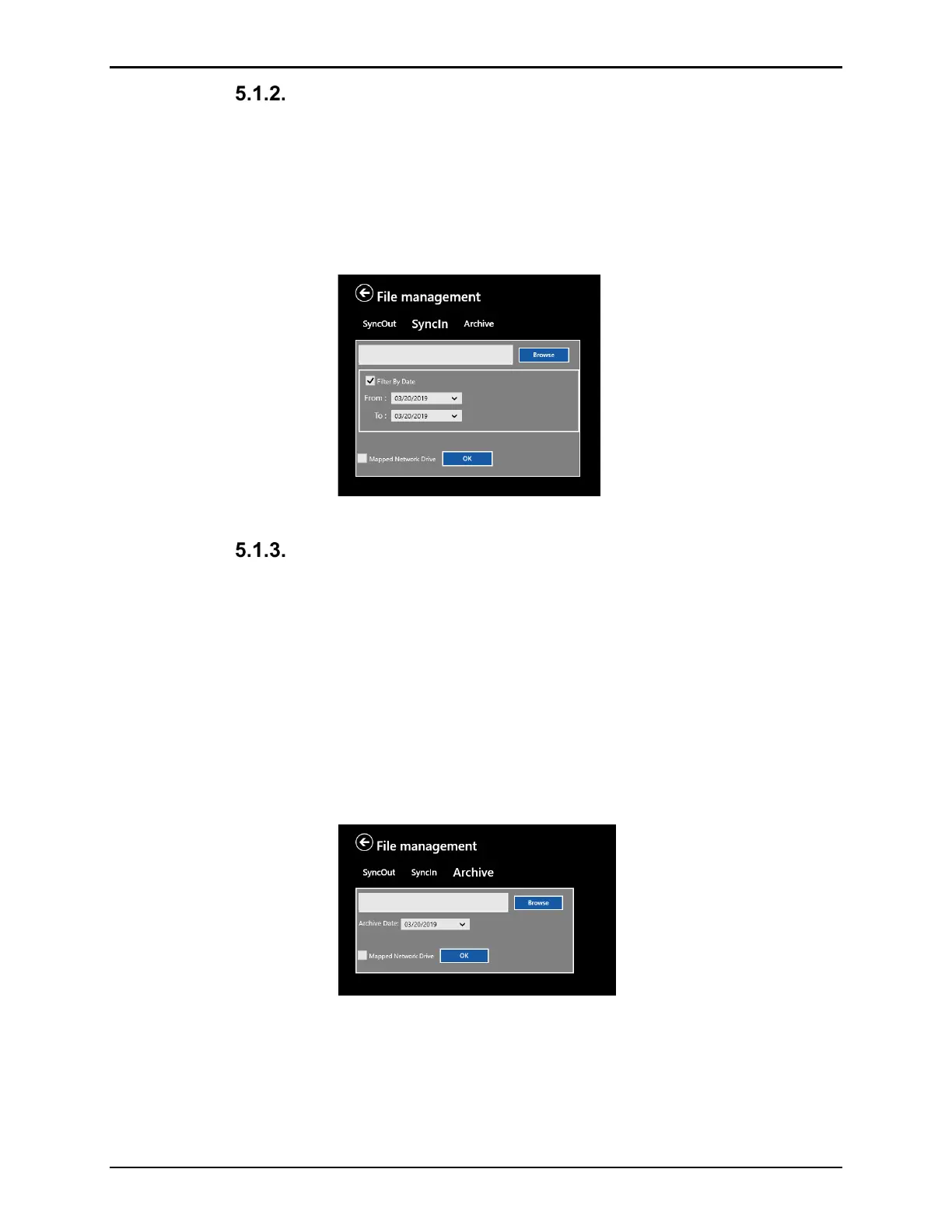
The Sync In function copies data from a file location to the console. Sync In is used to restore
data from a backup generated with the Sync Out or Archive function. Like the Sync Out
function, the User can select which data and which assets are copied to the console. In
addition to the Data selection, there is a date filter to specify a data range to allow more
selectivity on the data copied to the console. The date filter specifies a timeframe with a
dropdown selection.
Figure 75: Sync In
Archive
The Archive function works like the Sync out function except it will not copy but move files to a
file location for archiving purpose, removing the files from the console.
Therefore, in addition to the Sync out function there is an archive date. All files that are
older than the specified date is moved. Like in Sync out the assets may be selected
individually.
If selecting a folder with existing sync data as target, the copied data is merged with the
existing console data.
Note: It is recommended to use a separate folder for archived data, otherwise the data syncs
back to the system.
Figure 76: Archive



 To Next Page