Chapter 4: Initial ValProbe RT Software Setup
ValProbe RT User Manual 48
Local Security - One Time Emergency Access
It is good practice to establish more than one active Administrator account, if a system
administrator is unavailable the system is still maintained. If administrator access is not
possible, Kaye can provide a one-time Emergency access with the sole purpose of modifying
an Administrator account. For this procedure, direct support from Kaye service is required.
To start the emergency login, open the Login screen and enter “Ctrl+e” into the password field.
Please contact Kaye Support directly to receive required information. All emergency access is
logged in the audit trail.
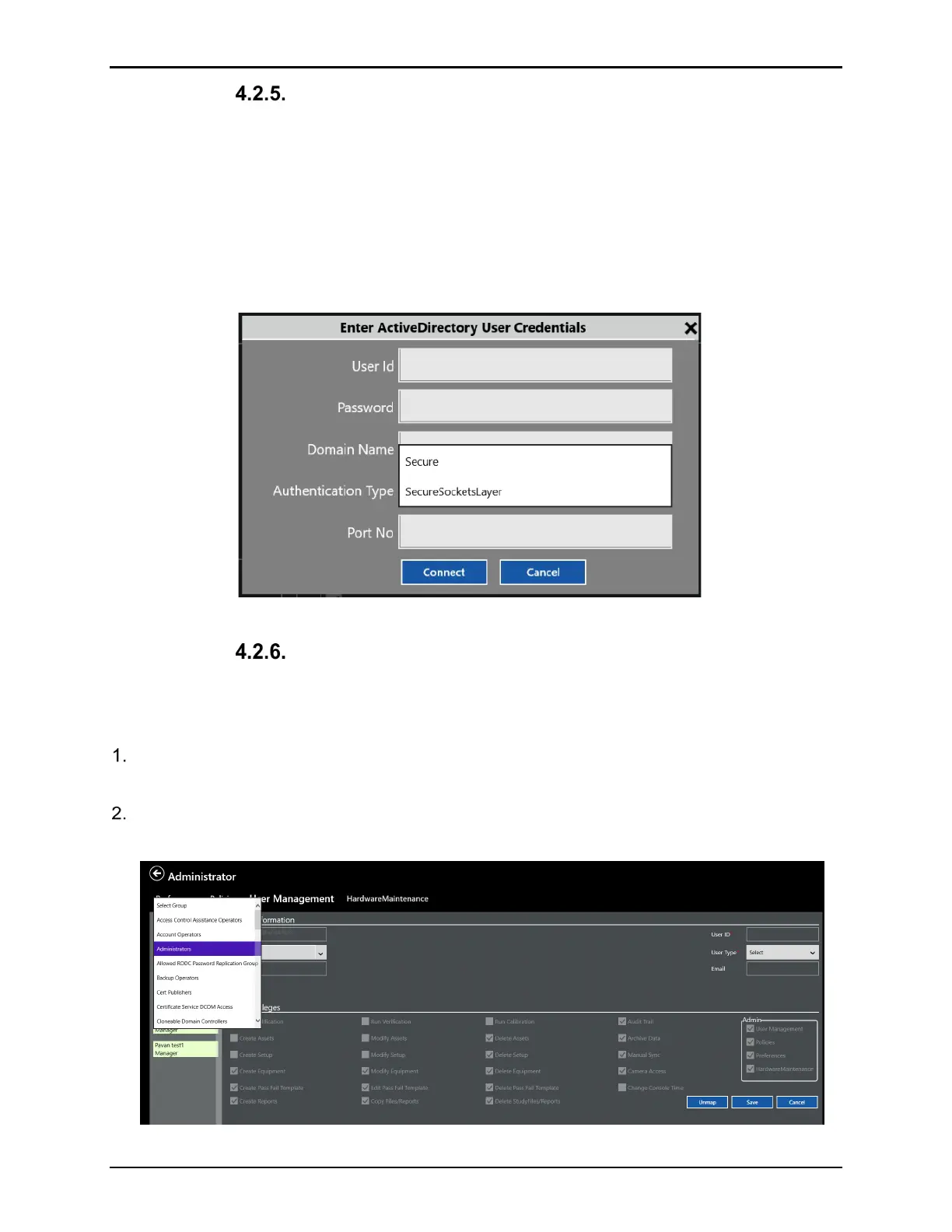
Figure 62: Authentication Types
Adding / Managing User Accounts – Active Directory™*
To add / modify additional groups and privileges in your company’s Active Directory™* do the
following:
Define within your Active Directory™* company domain the desired Users and Groups for
the ValProbe RT system.
From the User Management screen, select the dropdown list under User List to display all
groups in your company’s Active Directory™*.
Figure 63: Active Directory* Groups



 To Next Page