Chapter 6: Equipment
ValProbe RT User Manual 61
Manually Adding Equipment Assets
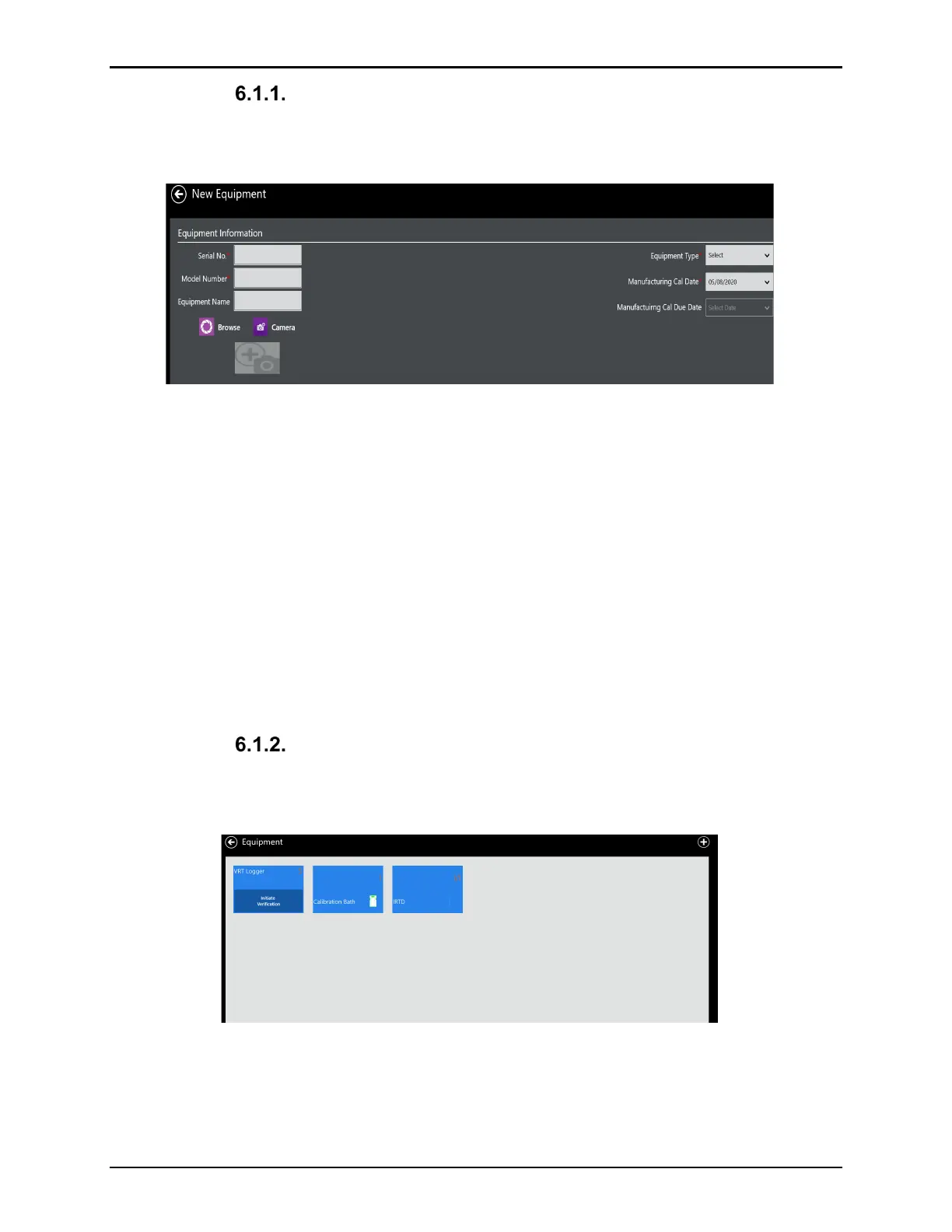
To add a new piece of equipment inside Equipment assets, select the Plus (+) icon on
Equipment screen. The New Equipment screen opens.
Figure 82: New Equipment Screen
Use textboxes and dropdown menus to enter the following:
• The equipment serial number as a unique identifier
• Last calibrated date
• Model number
• Equipment type
• Calibration due date
To upload an image of the equipment, browse for a bmp or jpeg or access the camera to take
a picture directly.
When finished, select Save to save the entry and return to the Equipment screen or Cancel to
reset entries on the screen.
Equipment Contents
To view the Equipment tile contents for a specific piece of equipment (i.e Logger), from the
Equipment Asset screen select the VRT Logger tile.
Figure 83: Equipment Assets
The software then displays five VPRT Loggers, each tile contains the serial number of the
Logger, the Logger type, the manufacturing Calibration date, and the Manufacturing Cal Due
date. Select the desired Logger.



 To Next Page