Chapter 11: Sensor Verification
ValProbe RT User Manual 105
11.2. Creating a Verification Setup
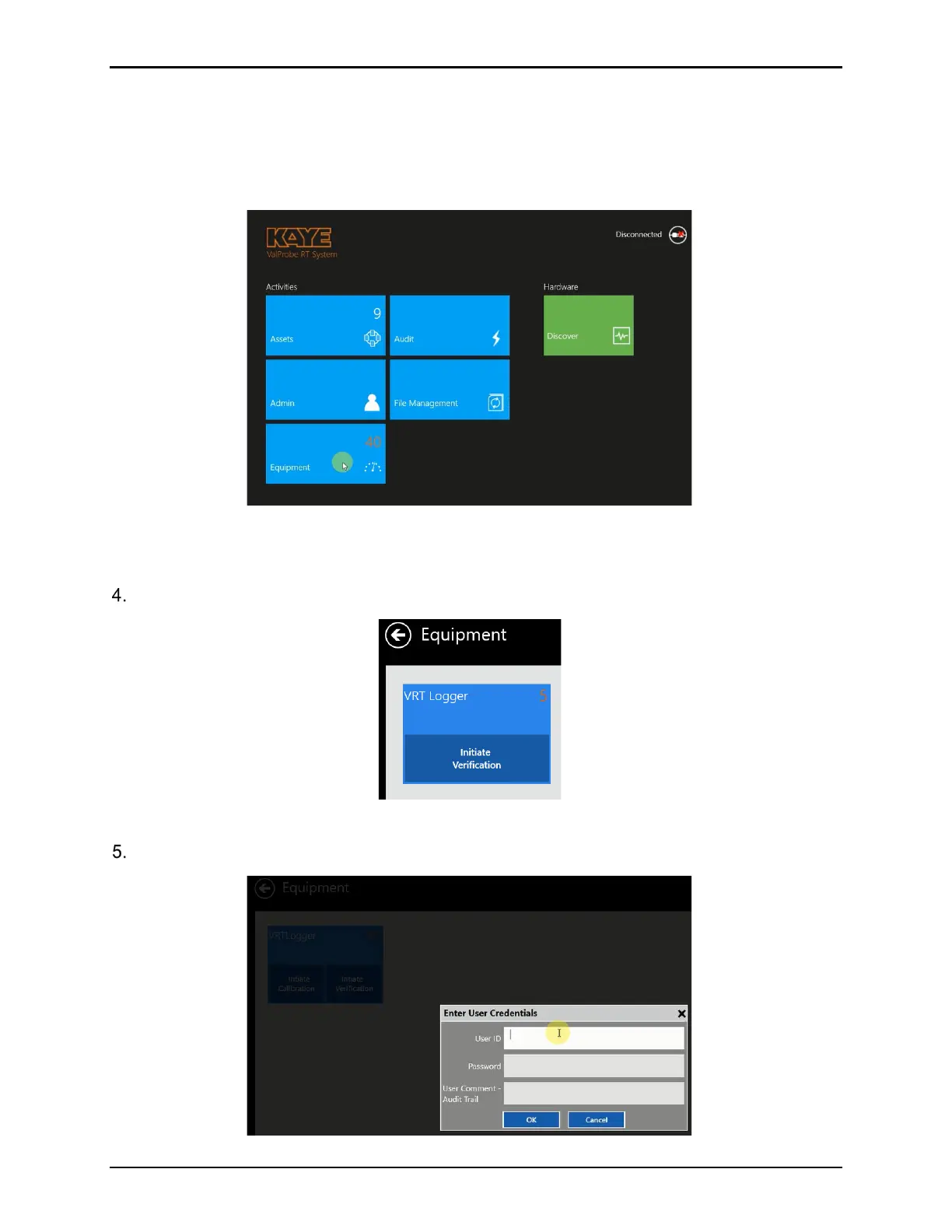
Before running a verification process, creating a Verification Setup is required. To create the
Verification Setup, navigate to the Main screen and then select Equipment. and enter an ID
and Password.
Figure 136: Select the Equipment Tile
Verifications are configured and initiated via the Equipment tile.
Select Initiate Verification to navigate to the Verification setup screen.
Figure 137: Initiate Verification
Enter proper User credentials when prompted.
Figure 138: Enter User Credentials



 To Next Page