Chapter 9: Qualification Study
ValProbe RT User Manual 92
9.2. Program Loggers
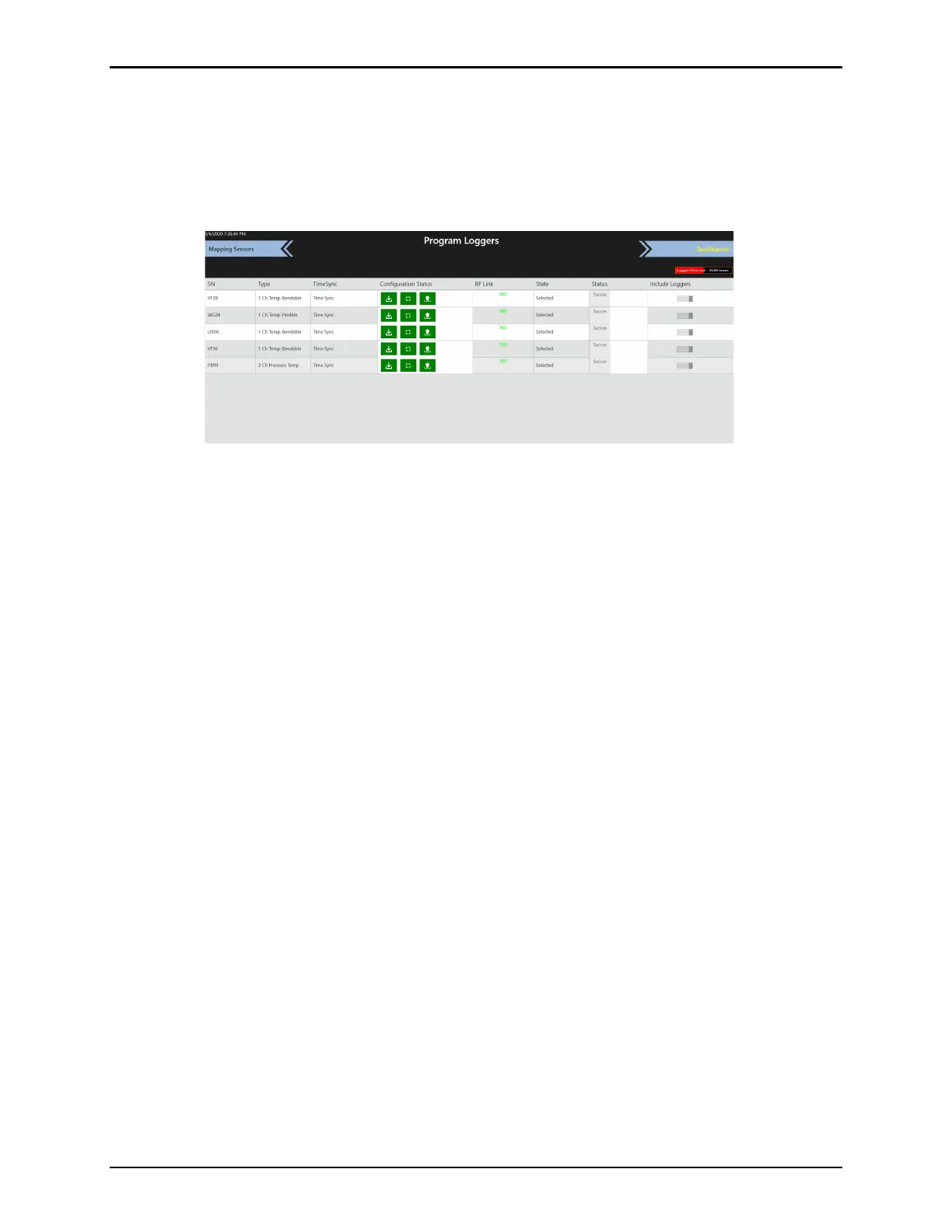
The software automatically begins to program the Base Station and the Loggers to prepare
them for the Qualification study. Activities include clearing the existing Base Station and
Logger memory, synchronizing the time for all components, programming the parameters from
the Setup, and setting the Loggers and Base Station to Pre-Qual mode.
Figure 121: Program Loggers
The Program Loggers screen provides a visual status of programming activities. The table lists
all Loggers and three configuration status icons displaying programming progress. In the top
right of the screen is a Logger Time Out bar, that displays the time until the Loggers time out.
When all three configuration status icons are green, the programming is complete, and the
Qualification ribbon flashes yellow.
Select Qualification to navigate to the Qualification screen.



 To Next Page