Chapter 6: Equipment
ValProbe RT User Manual 60
Chapter 6. Equipment
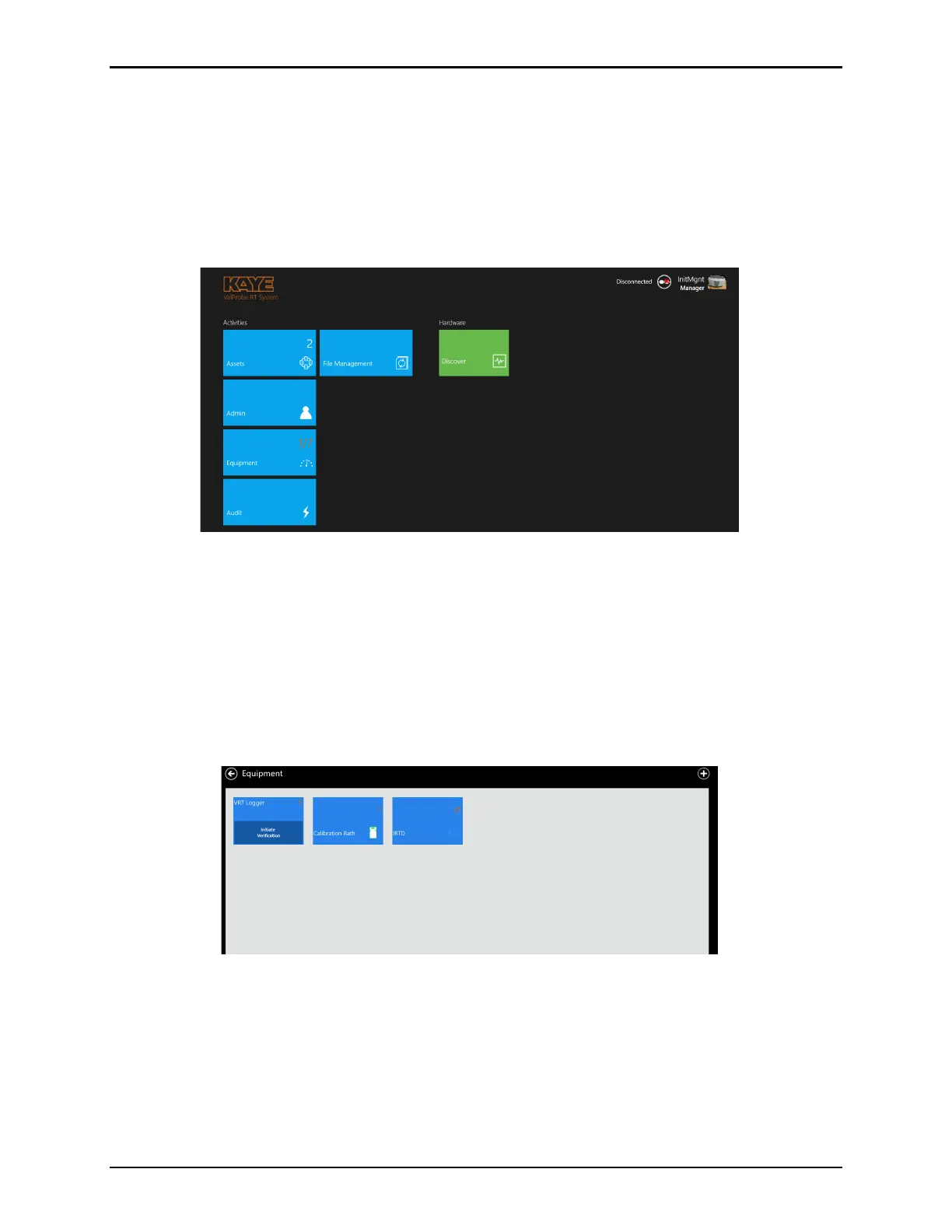
The ValProbe RT includes a unique feature called "Equipment". Equipment is accessed from
the Main Menu, by selecting the Equipment tile. Equipment provides the User with a tool that
assists in tracking their Kaye calibration and verification data associated with their ValProbe
RT Loggers, IRTD’s and Temperature References. The Equipment tile is the take off point for
performing Sensor Verifications for all ValProbe RT Loggers and sensors.
Figure 80: Equipment Tile
6.1. Equipment Assets
Select the Equipment tile on the Main screen, to open the Equipment Assets screen. The
Equipment Assets screen displays all equipment connected or manually created (i.e., five
VPRT Loggers, one Calibration Bath, and two IRTD’s) to the system.
Note: The ValProbe Logger tile has an option to Initiate Verification to perform periodic pre
and post Sensor Verifications of Loggers. A detailed explanation on Sensor Verification
capabilities and processes is highlighted in Chapter 11.
Figure 81: Equipment Asset display
• Kaye equipment Assets are automatically created the first time the equipment is
connected to the ValProbe RT system.
• Additional Kaye equipment or non-Kaye equipment can be manually added to the
Equipment Asset list.



 To Next Page