Chapter 8: Defining Study Setups
ValProbe RT User Manual 80
Data Storage / Transmission
The Sample Rate is how often the Loggers store the data to their internal memory. The
memory capacity of each sensor is 100,000 samples. When the Loggers reach 100,000
samples the Loggers automatically stop collecting any new data. The sample rate dropdown
has several choices ranging from every one second to ten minutes.
The Transmission rate is how often the Logger transmits samples to a Base Station. It also
dictates how often the live and historical data updates on the Console. Transmission rate
impacts battery life.
Note: When a User manually stops a study the Base Station waits until the next transmission
rate to notify the Loggers, therefore if a ten-minute transmission rate is selected, it
could take up to ten minutes after Qual Stop is pressed for the Loggers to stop
collecting data. When Qualification Parameters definitions are complete, select Review
to check the entries and save the Setup.
RF Transmit Threshold
Battery Life is considerably affected by cold temperatures, if you are operating at cold
temperatures and do not necessarily need to see live data, then set the RF Transmit
Threshold to automatically turn-off RF transmission when inactive temperature is reached. The
internal data storage rate to the Logger is not affected and continues uninterrupted, only the
transmission of data is affected. When a Logger’s body temperature, note, not the sensors
temperature, climb above the Active temperature the RF transmission is activated, and the
Loggers begin to retransmit all old and current data to the Base Station and Console.
8.8. Reviewing and Saving a Setup
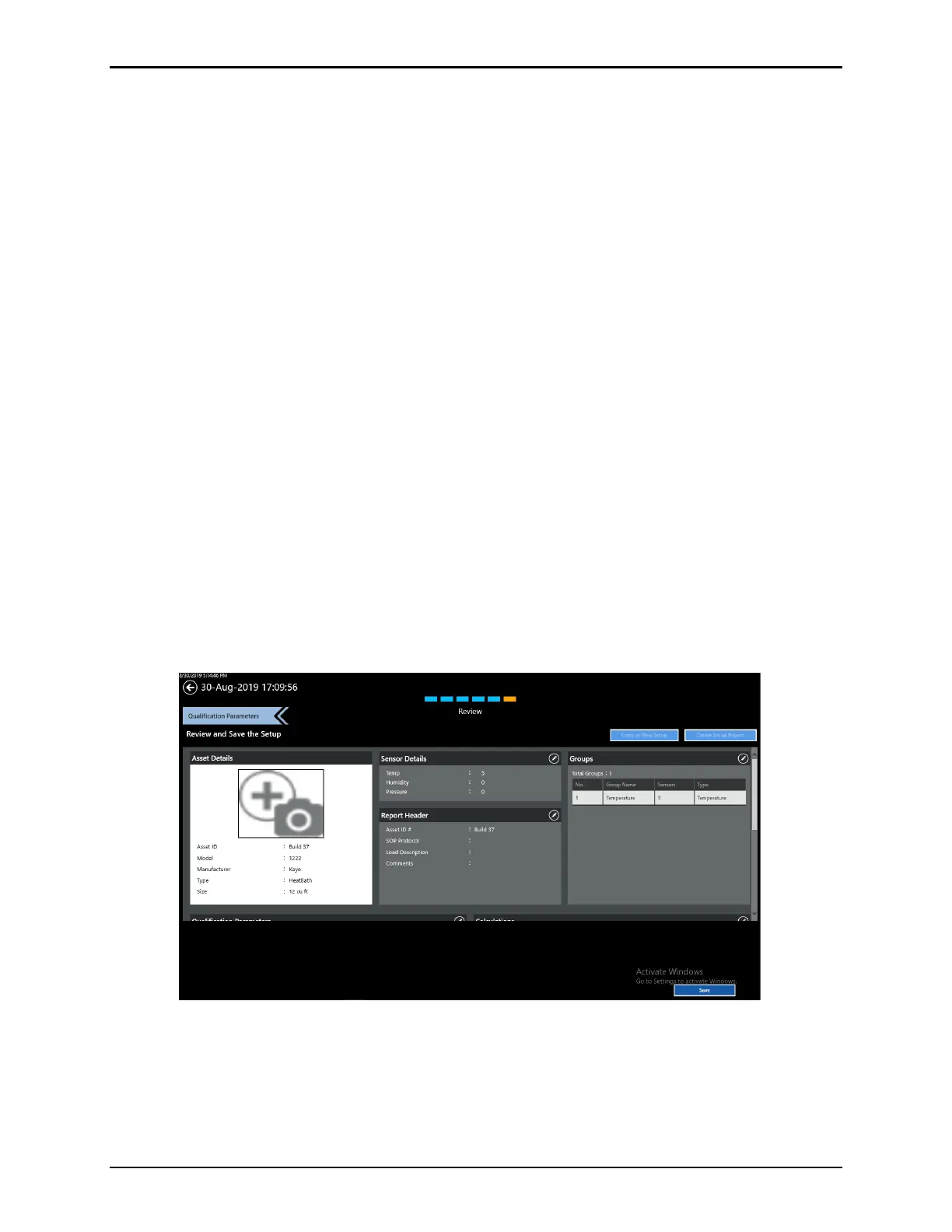
Figure 105: Setup Review Screen
After pressing Review, the Review screen opens, listing all the pertinent details about the
setup that was created.



 To Next Page