Chapter 12: Qualification Reports
ValProbe RT User Manual 141
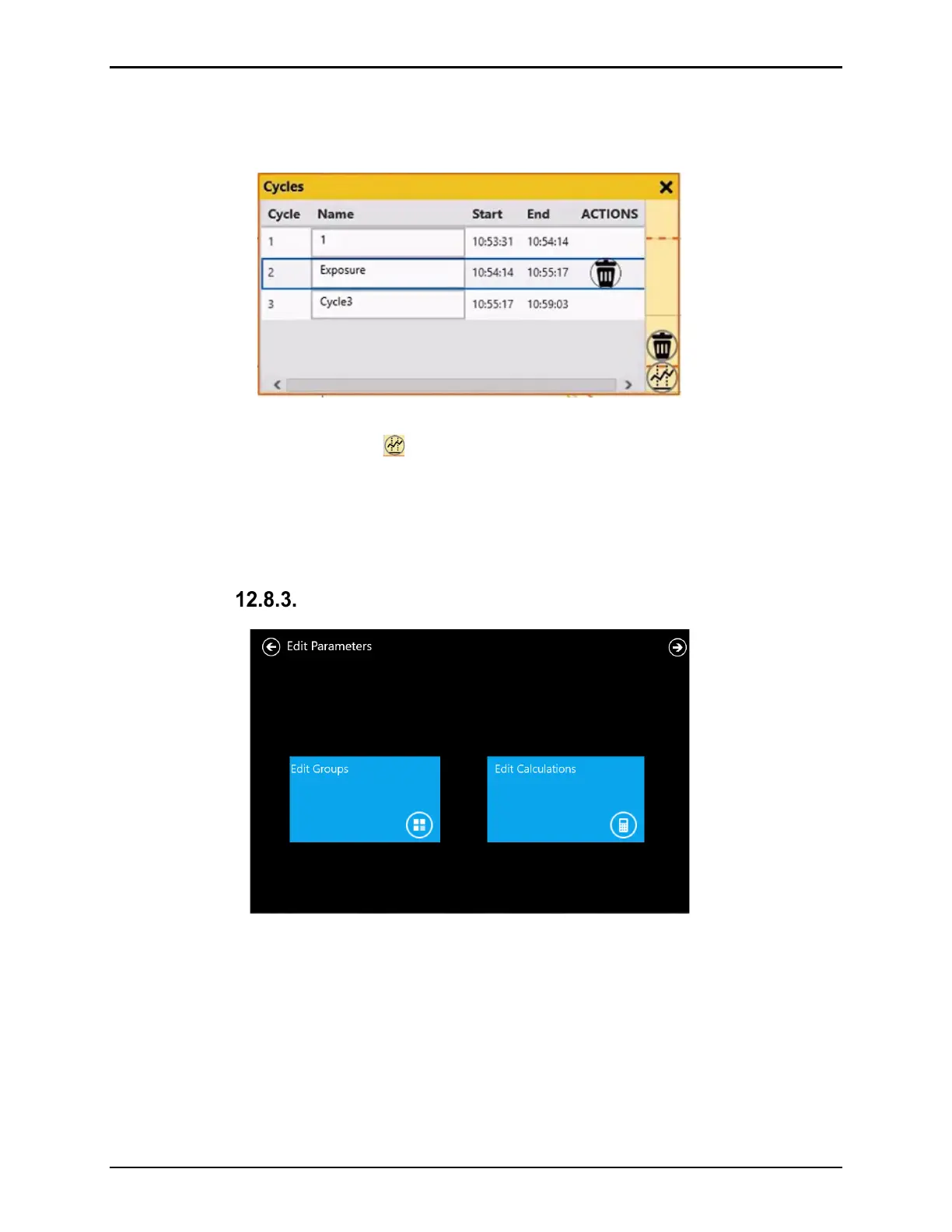
In the Cycles window all created cycles are displayed with the defined Start and End times.
The Cycles window also allows modifications of cycles names. UnMark Cycle is used to
delete a cycle.
Figure 177: Define Additional Cycles Screen
To add additional cycles, select the button on the Cycles screen. A pop-up appears with a
prompt on how to mark the additional cycle by Time / Marker or Event. The functionality for
performing these tasks are the same for both the Qual / Exposure screens.
When all additional cycles are added, select the Report Parameters ribbon at the top of the
screen to move to the next step of the reporting process.
Edit Parameters
Figure 178: Edit Parameters Screen
Inside the Edit Parameters screen, you can make any necessary changes to Groups and or
Calculations prior to reporting. Any changes to Groups or Calculations are listed in the
reports.
If no changes are needed, select the Next arrow at the top of the screen to proceed.



 To Next Page