Chapter 12: Qualification Reports
ValProbe RT User Manual 142
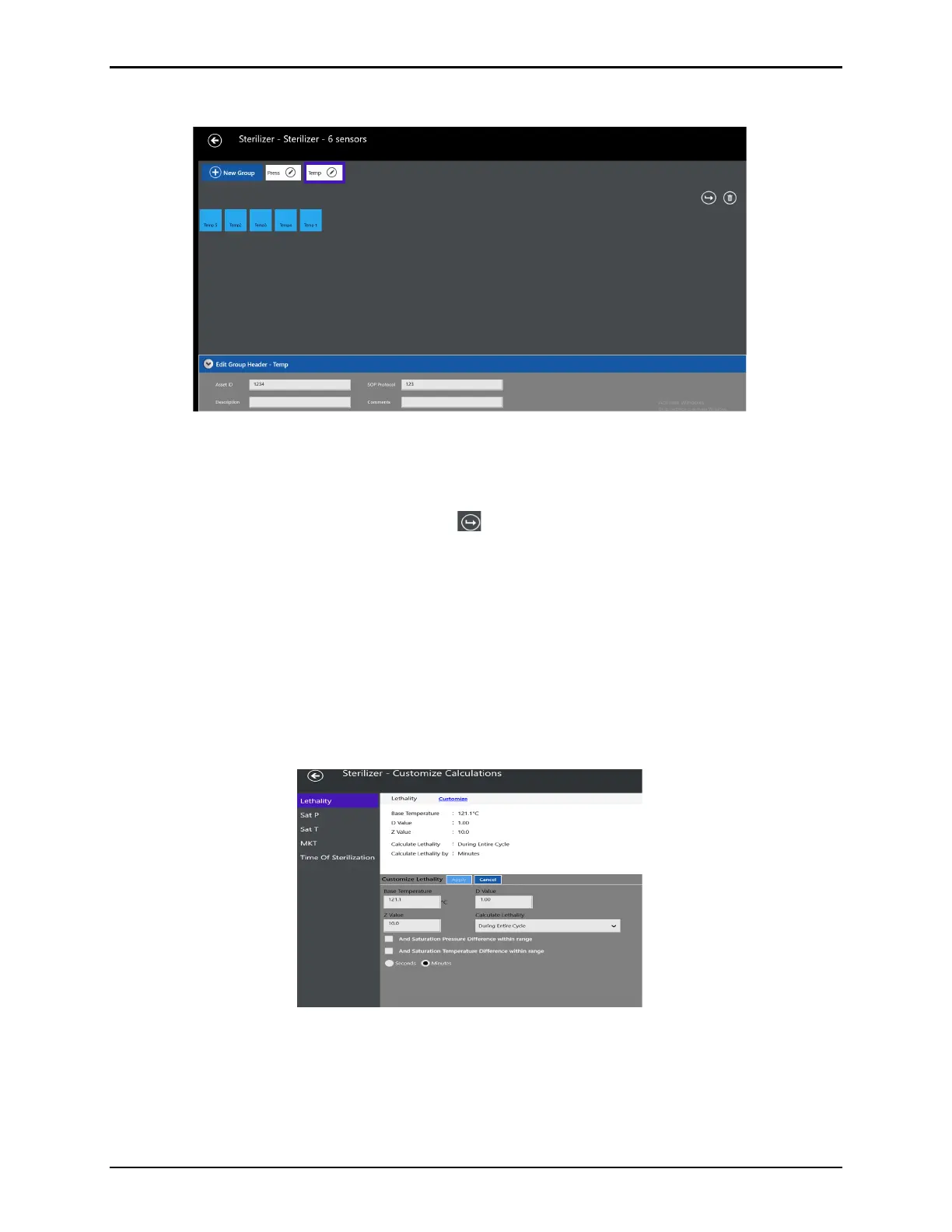
Edit Groups Screen
Figure 179: Edit Groups screen
The Edit Groups screen includes the following options:
• Add New Group – select New Group and enter a name, select sensors, and a title.
• Move Sensors between Groups –select .
• Delete Groups – select a Group Name and select Delete to delete individual sensors
from a group.
• Edit Groups Header – select the Group name and select the Edit Group Header arrow.
• Edit Group Sensors – select the pen icon in the appropriate group and then select or de-
select appropriate sensors.
Any changes to groups or removal of sensors are listed inside the report.
Select Back to return to the previous screen.
Customize
Calculations
Screen
Figure 180: Customize Calculations
On the left panel select from the following list of calculations, Lethality, Sat P, Sat T, MKT, and
Time of Sterilization to display information for each. With the desired calculation selected in
the right panel select Customize to open the Customization options for the calculation.
Any changes to calculations are detailed in the Qualification report.



 To Next Page