Chapter 8: Defining Study Setups
ValProbe RT User Manual 71
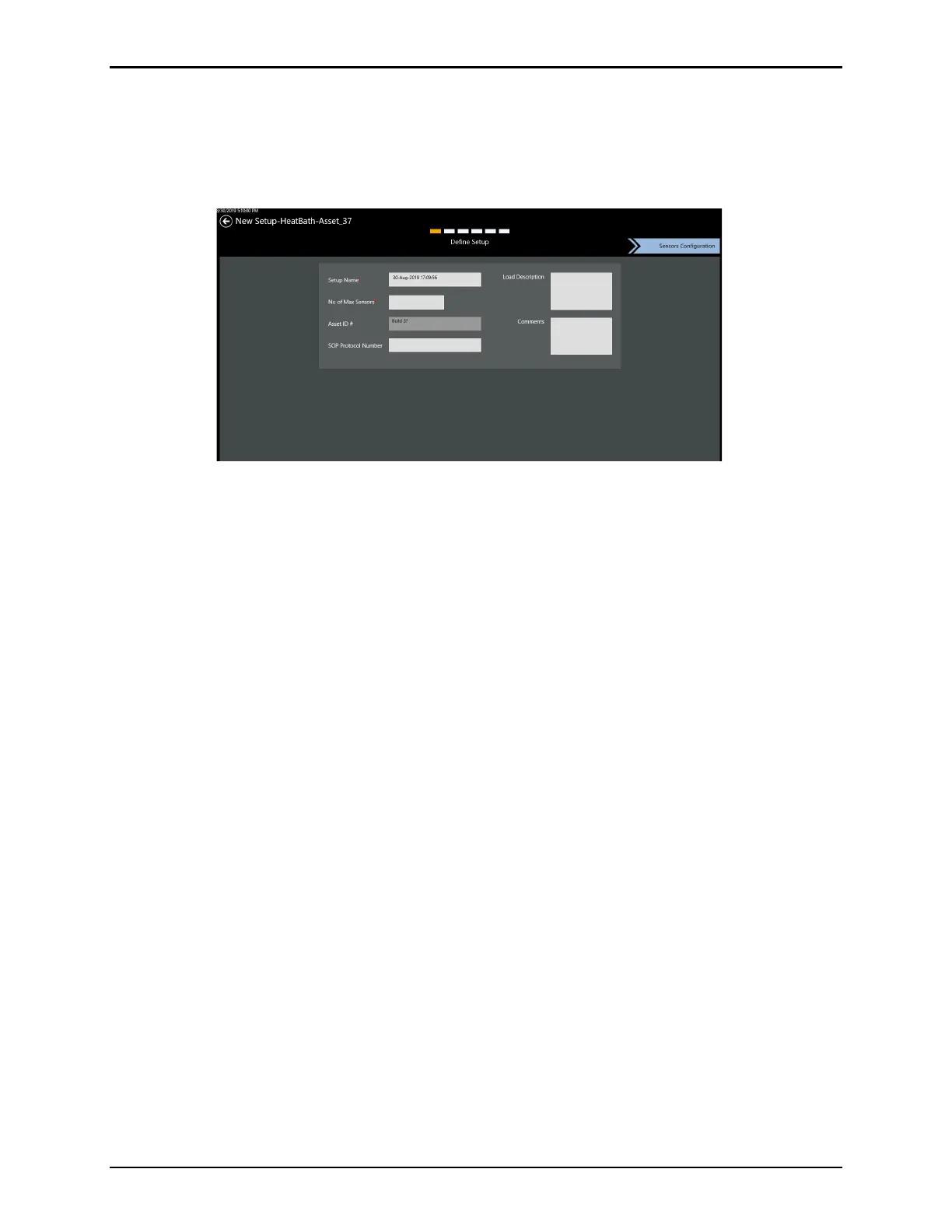
8.2. Define Setup Screen
Use the Define Setup screen to define descriptive information detailing a Setup. The screen
header lists the name of the new setup and six separate boxes signifying the steps or screens
to complete the Setup.
Figure 95: Define Setup Screen
Use the textboxes or dropdowns to enter:
• Setup Name
• No. (number) of Max Sensors
• Asset ID #
• SOP (Standard Operating Procedure) Protocol Number
• Load Description
• Comments
Note: The Setup name and number of sensors fields are mandatory.
The Setup Name and Comment fields accept alphanumeric characters and spaces; the Load
Description and SOP fields can also include special characters (spaces,-,_,.,?,/,and \).
When all asset data is entered, select Sensors Configuration to continue.



 To Next Page