Chapter 4: Initial ValProbe RT Software Setup
ValProbe RT User Manual 54
Show Compatible Versions List
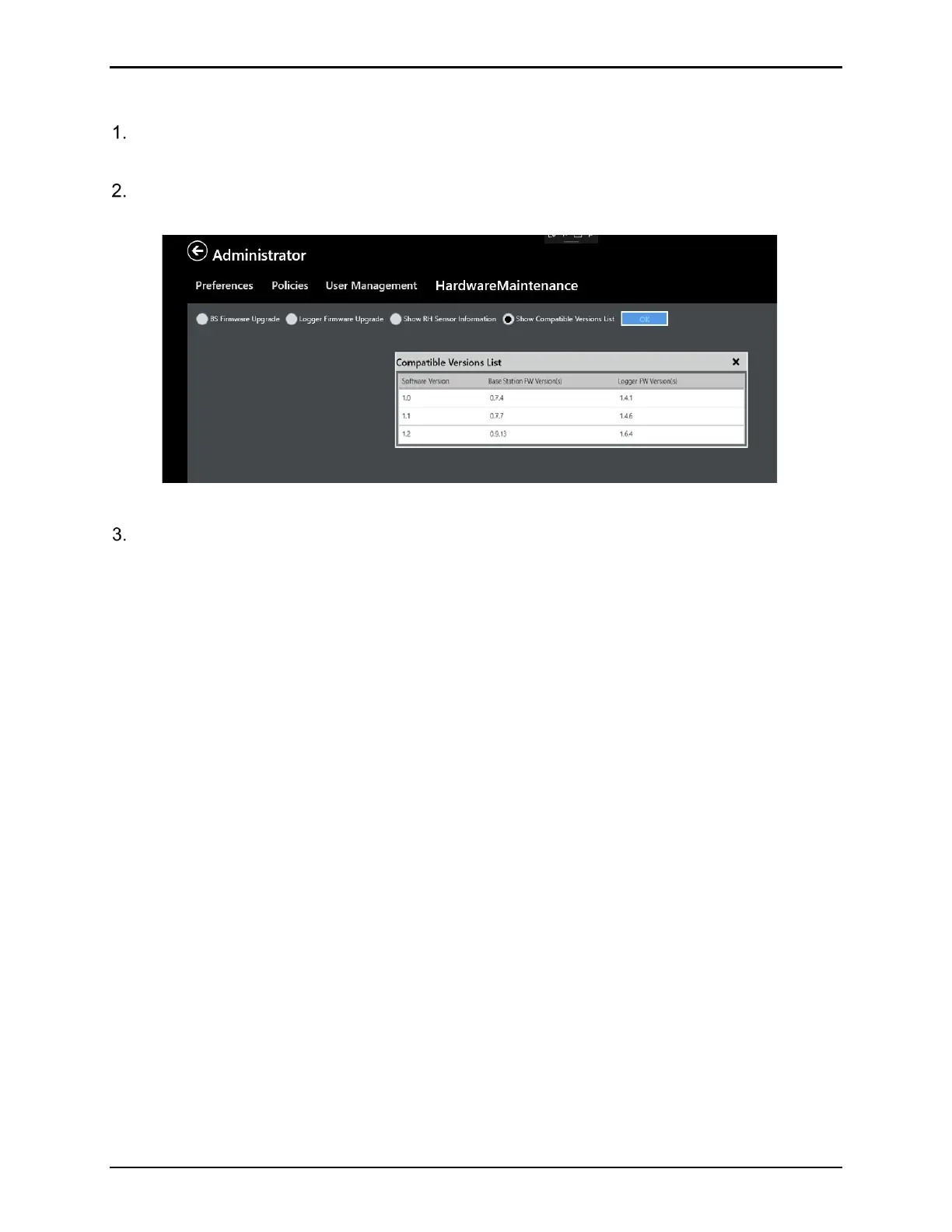
From the Admin / Hardware Maintenance screen, select Show Compatible Versions List
and select OK.
A window opens displaying the firmware versions of the software, Base Station, and
Loggers.
Figure 72: Show Compatible Versions List
Select X to close the window.
4.5. Online Help
To display online help, swipe from the bottom or top edge for the app commands. There are
two icons with a question mark, labeled as Windows Help and Help. Windows Help displays
the help screen of the operating system; Help displays context-specific help for the open
ValProbe RT application screen.



 To Next Page