Chapter 4: Initial ValProbe RT Software Setup
ValProbe RT User Manual 53
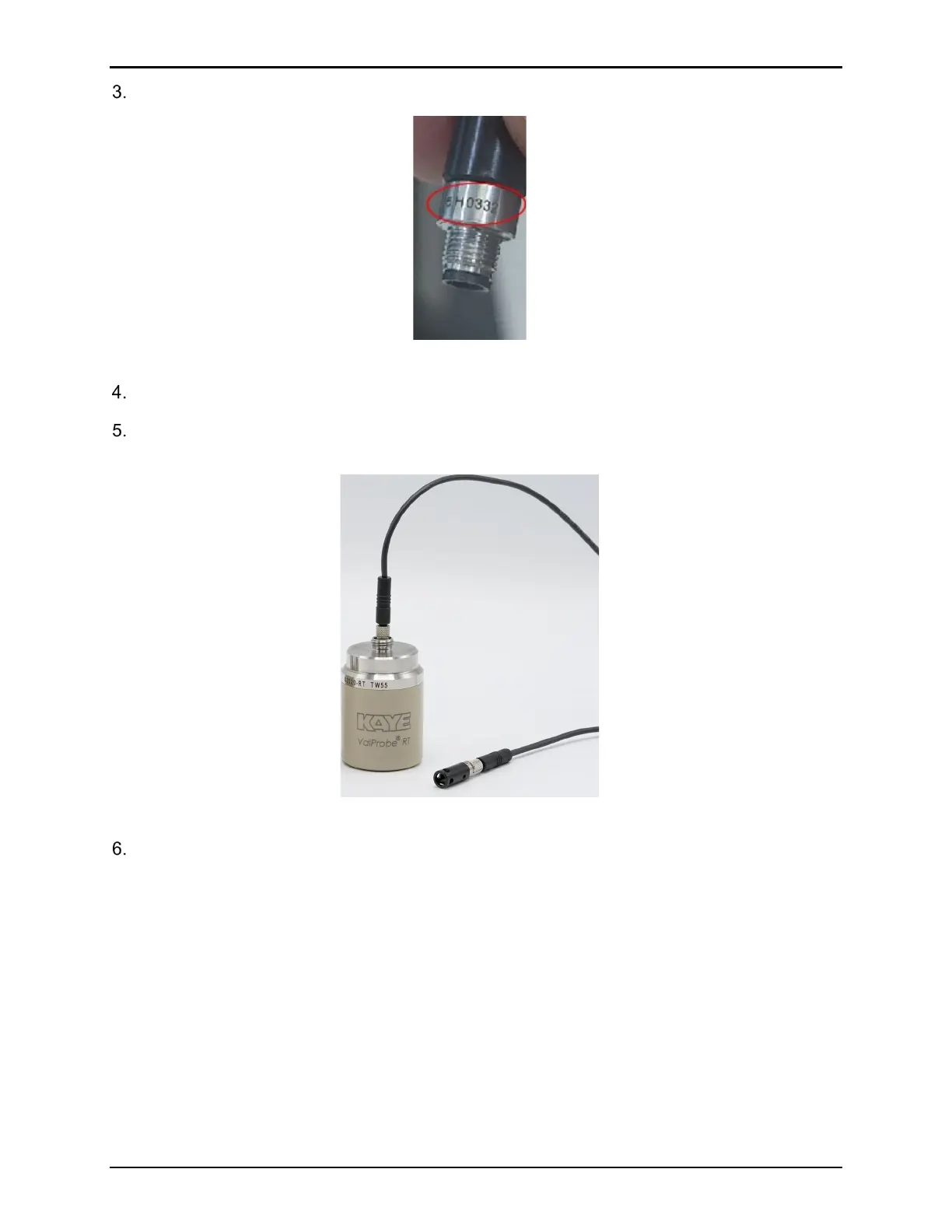
Note the serial number which is listed below the black material.
Figure 70: Sensor Serial Number
Plug the extension cable into the Logger where the sensor module was removed.
Connect the sensor module to the other end of the extension cable. Before proceeding,
verify the serial number of the sensor is the same as Step 3.
Figure 71: Extension Cable Connected
When finished with the extension cable, remove the cable, and then secure the PTFE filter
cap, rotate clockwise to tighten.



 To Next Page