Chapter 11: Sensor Verification
ValProbe RT User Manual 118
Additional Verification report options:
• Check detailed sensor readings and IRTD/humidity chamber readings using the Sensor
Readings button.
• Display the sensor and IRTD/humidity chamber readings in graphical format
• Generate a .pdf Verification report for all selected verified sensors
• Change various criteria, in the textboxes
When Verification Results are completed select Exit.
11.7. Reasons for Verification Failure
Verification may fail for some sensors due to one of the following reasons:
• Failed criteria of allowed Logger deviation
• Failed Verification due to unstable connected equipment and Loggers
• Logger failed stability criteria and cannot be evaluated
• Time of stability of the IRTD and Logger may not overlap for a significant time
• Logger were removed from the bath / calibrator / chamber before the setpoint was
reached
11.8. Verification Report
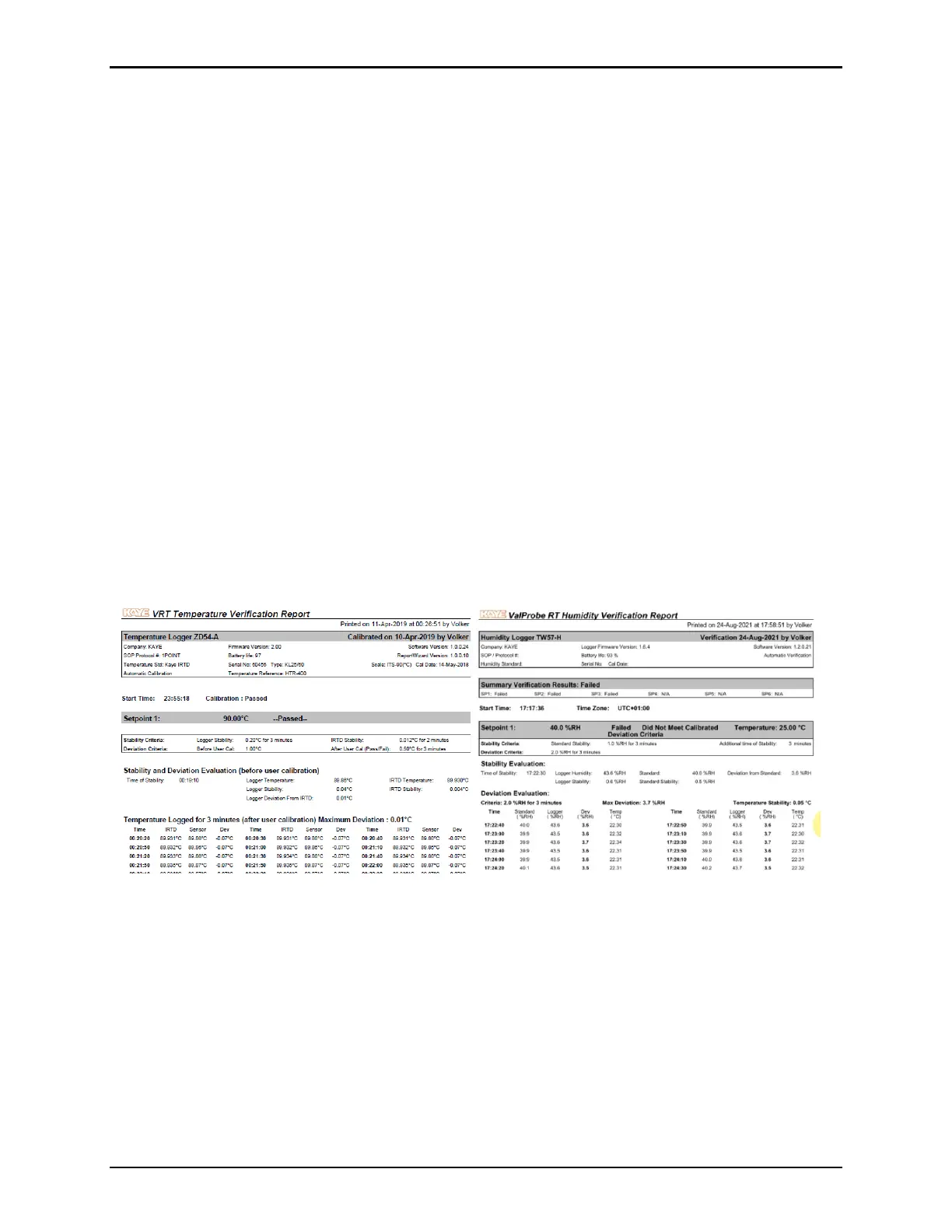
Once the process is completed, a Verification report may be generated.
Figure 159: Verification Reports



 To Next Page