Chapter 11: Sensor Verification
ValProbe RT User Manual 117
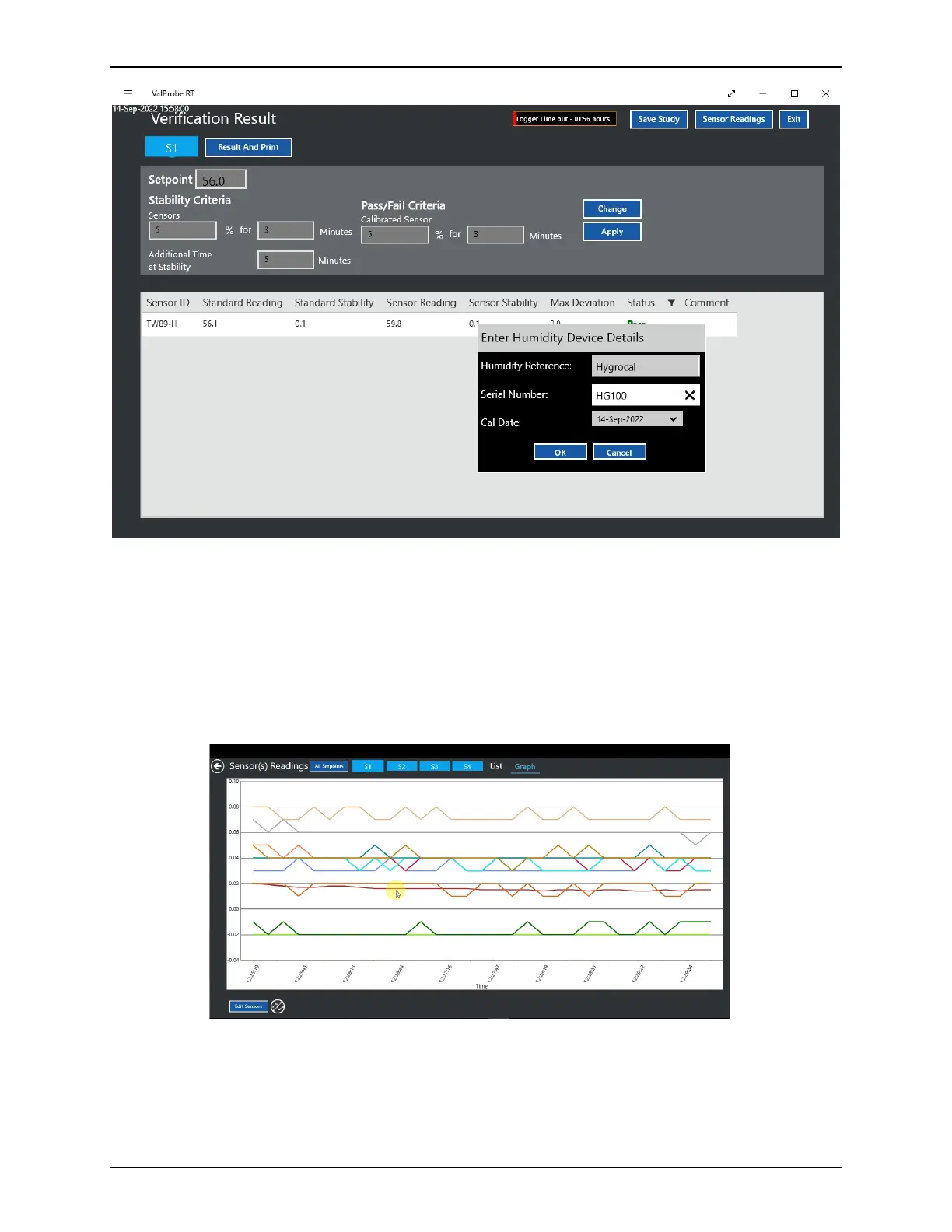
Figure 157: Humidity Verification Result Screen
On the Verification Results screen perform the following
• Select Save Study to save the Study to the Console
• Select Sensor Readings to verification readings in a graph or list view, as displayed in
the figure below.
• Select Exit to return to the Main Screen.
• Select Result and Print to print the results of the verification
Figure 158: Sensor(s) Readings Screen
The Verification Results screen displays the Pass / Fail analysis results of the Verification for
each sensor. Select the setpoints to view the results for each setpoint.



 To Next Page