Chapter 11: Sensor Verification
ValProbe RT User Manual 116
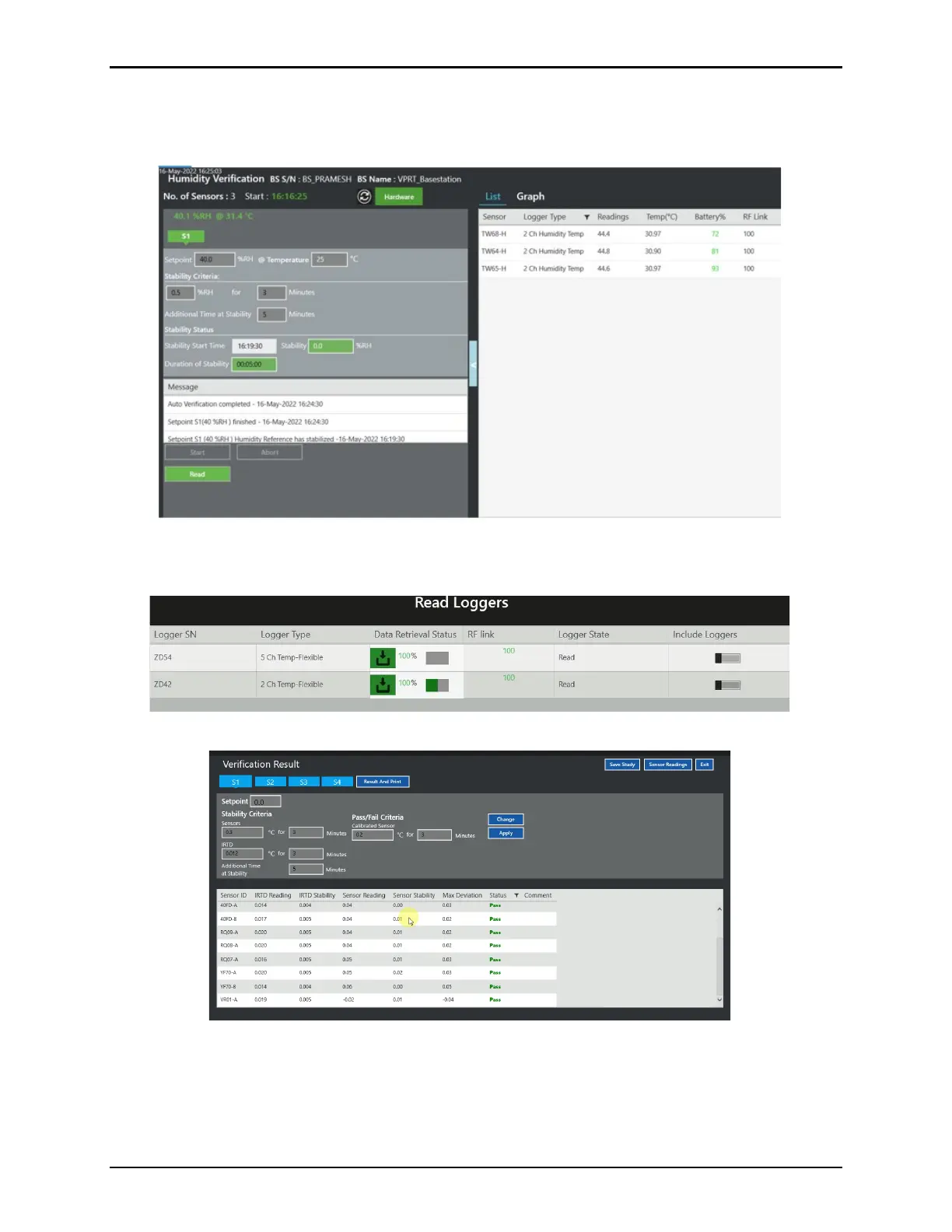
Each setpoint that has met the criteria is displayed in green. Once all setpoints are met, the
Study data from the Loggers is read, select the green Read button to transfer the Logger and
Base Station data to the Validation Console. If Read is not green, setpoints are not completed.
Figure 154: Humidity Verification List View / Green Read Button
The window below, displays the readout process of the Loggers.
Figure 155: Read Loggers Screen
Figure 156: Temperature Verification Result Screen



 To Next Page