Chapter 9: Qualification Study
ValProbe RT User Manual 91
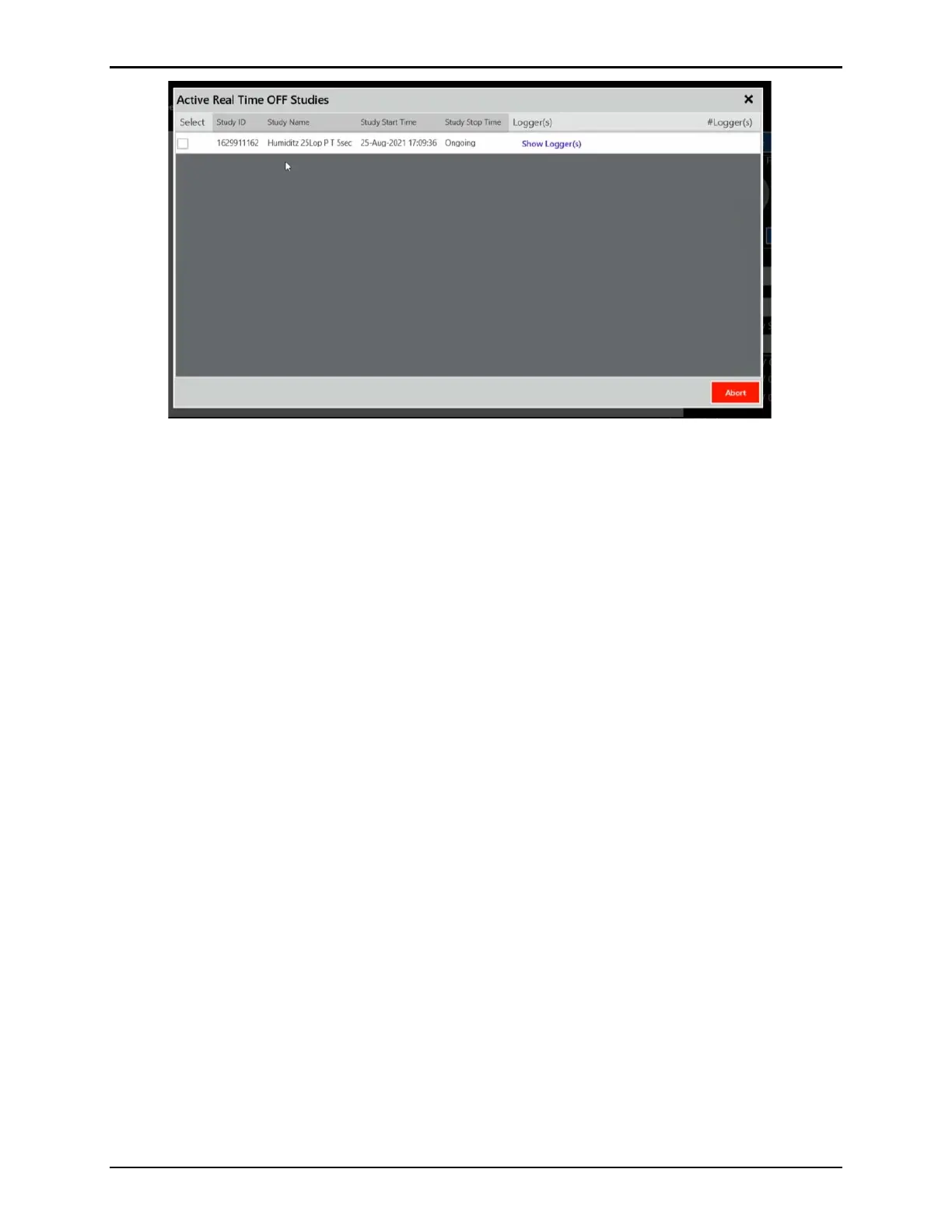
Figure 120: Active Real Time OFF Studies
The Study ID, Study Name, Study Start Time, Study Stop Time, Logger(s), and #Loggers are
listed inside the window. Select Show Logger (s) to display the Logger tags from the study.
Note: There is a maximum of 20 parallel active Real Time Off studies for one Base Station.
If desired, check the checkmark of the study and then Abort to stop the selected study,
otherwise, select the X to close the window.
With all sensors mapped, select Program Loggers to navigate to the Programming Loggers
screen.



 To Next Page