Chapter 9: Qualification Study
ValProbe RT User Manual 90
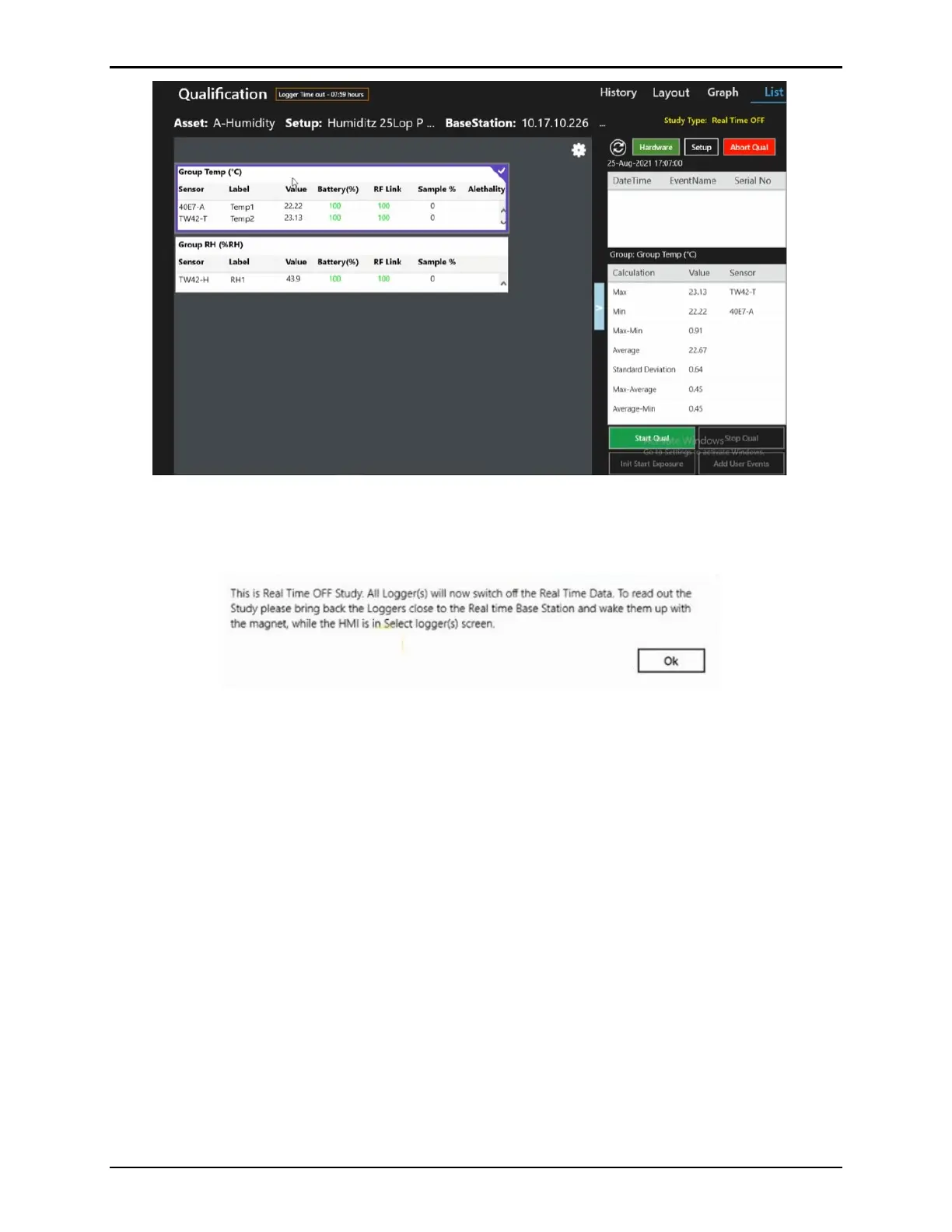
Figure 118: Real Time Off Qualification Screen
Start the Qualification by selecting Start Qual. A prompt displays to ensure that you are aware
that real time data is off, select Ok to start and return to the Main screen.
Figure 119: Start Qual - Real Time Data Off Prompt
The study continues to run and can be accessed by moving the sensors close to the Base
Station running the study and then using the software to connect to the Base Station. Once
connected to the Base Station select Show Real Time Off, any Real Time Off studies using
the connected Base Station display in the window below:



 To Next Page