Chapter 10: Live Monitoring Mode
ValProbe RT User Manual 101
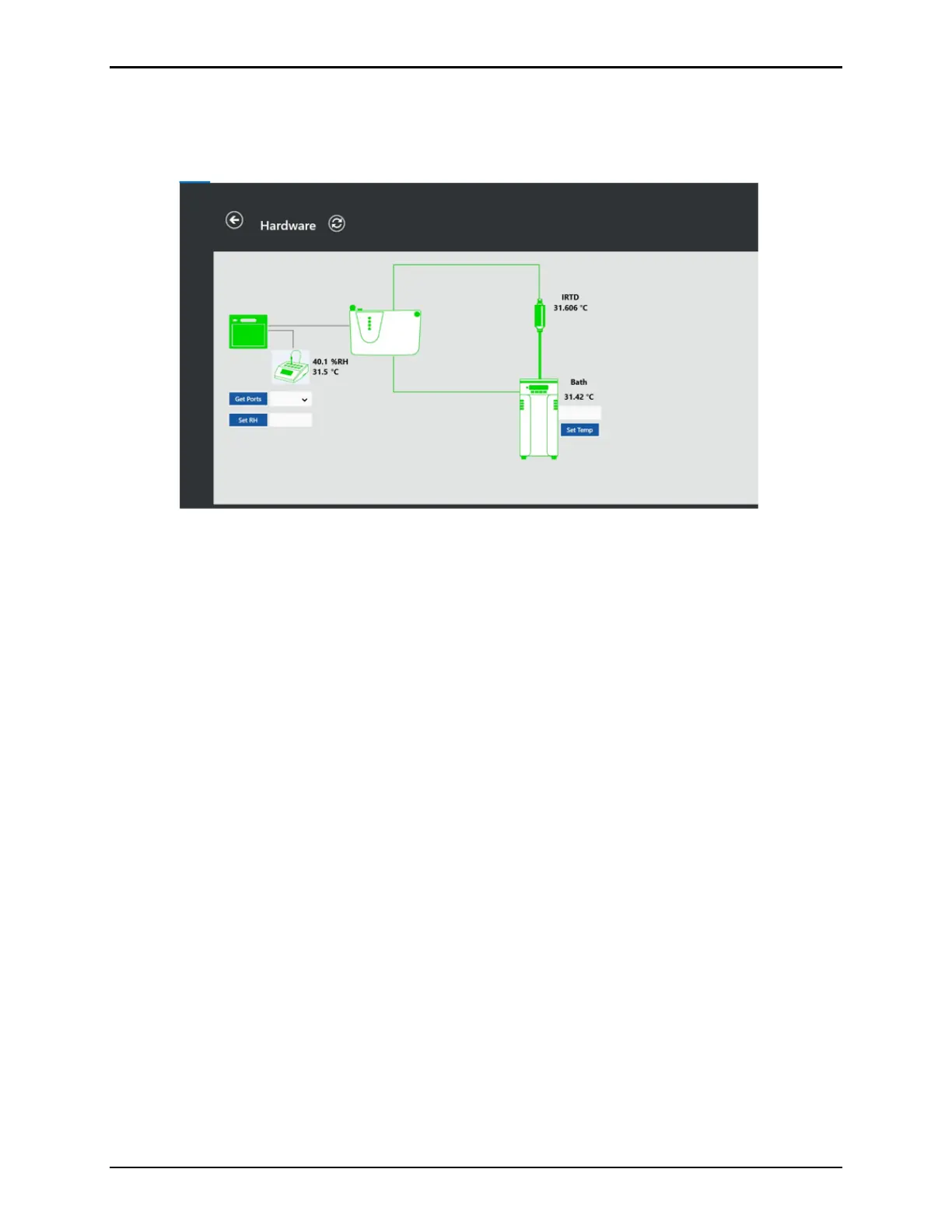
The Bath displays the current temperature of the connected bath. Using this screen, The User
can enter a setpoint manually to set the bath temperature.
The Humidity chamber displays the current humidity readings.
Figure 135: Hardware Monitoring – Humidity
To check the status of sensors, see Sensor Verification (Chapter 12).
Select Stop Live from the List or Graph screen to leave Monitoring Mode.



 To Next Page