Chapter 12: Qualification Reports
ValProbe RT User Manual 128
icon allowing data to be filtered by User ID, Name, Date and Time, Action, User Comment,
Console Machine ID, and RT hardware serial number.
Figure 165: Audit Trail
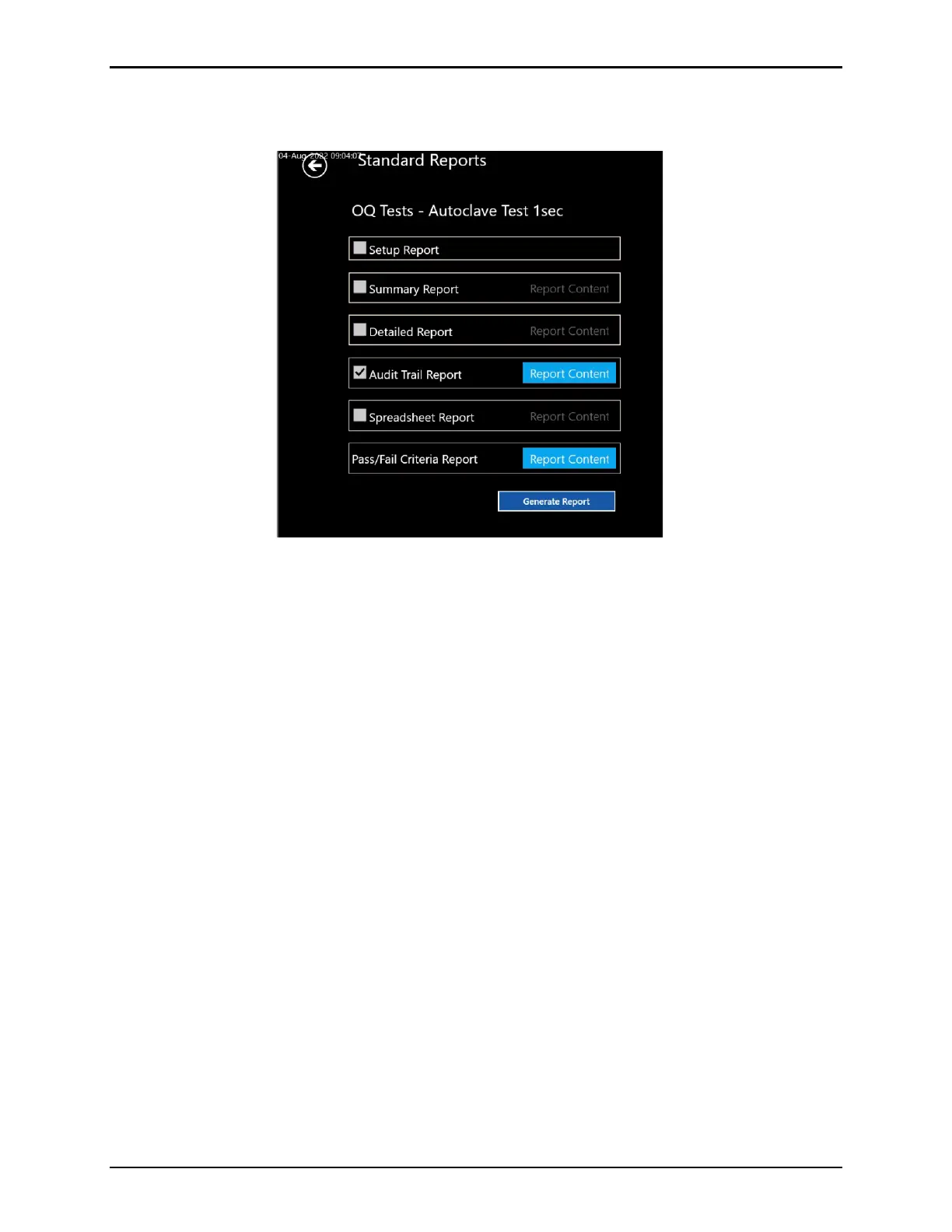
The second method of generating an audit report is tied specifically to a Qualification file
through the Reporting tool. From the Asset screen, select the desired Asset, then the desired
Qualification file. Define the cycles and proceed to the Standard reports screen. Check the
Audit Trail checkbox, then the required time frame and filter options using the Report Content
button, to generate an Audit Report with the events related to the qualification study.



 To Next Page