Chapter 8: Defining Study Setups
ValProbe RT User Manual 73
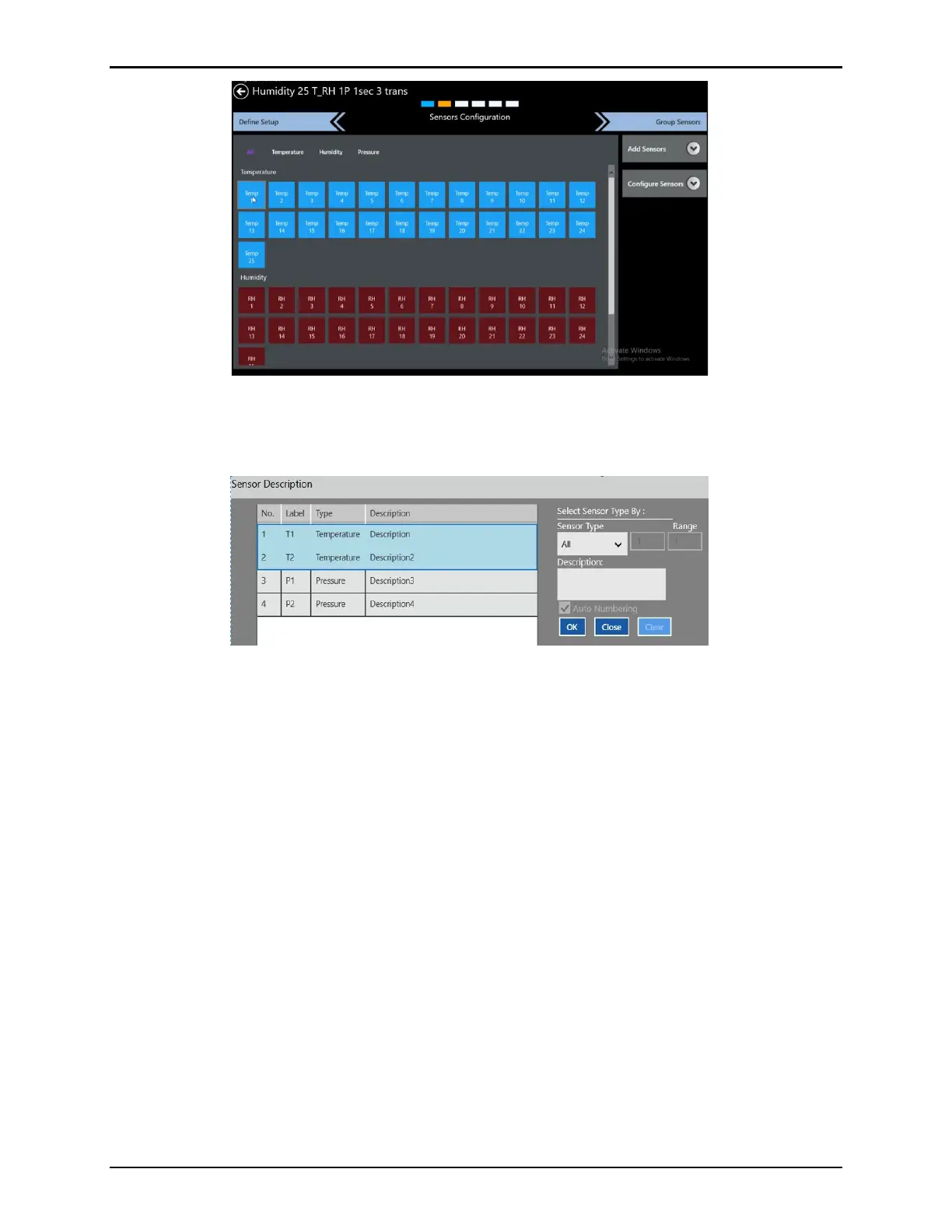
Figure 97: Configure Sensors
Select the Description button to open the Sensors Description screen. On this screen all
sensors are listed in a table, along with information entered during sensor configuration.
Figure 98: Sensor Description
To define descriptions, select the sensor type to display that type of sensor. Select a single
sensor or multiple sensors from the table. Enter descriptions in the Description textbox and
select OK to save the description or Close to cancel. Use the Clear button to clear all. Use the
Auto Numbering checkbox to enable autonumbering to the sensor description. To return to
the Sensors Configuration screen select the red X in the upper right corner.
Select the Group Sensors tab to advance to the next screen.



 To Next Page