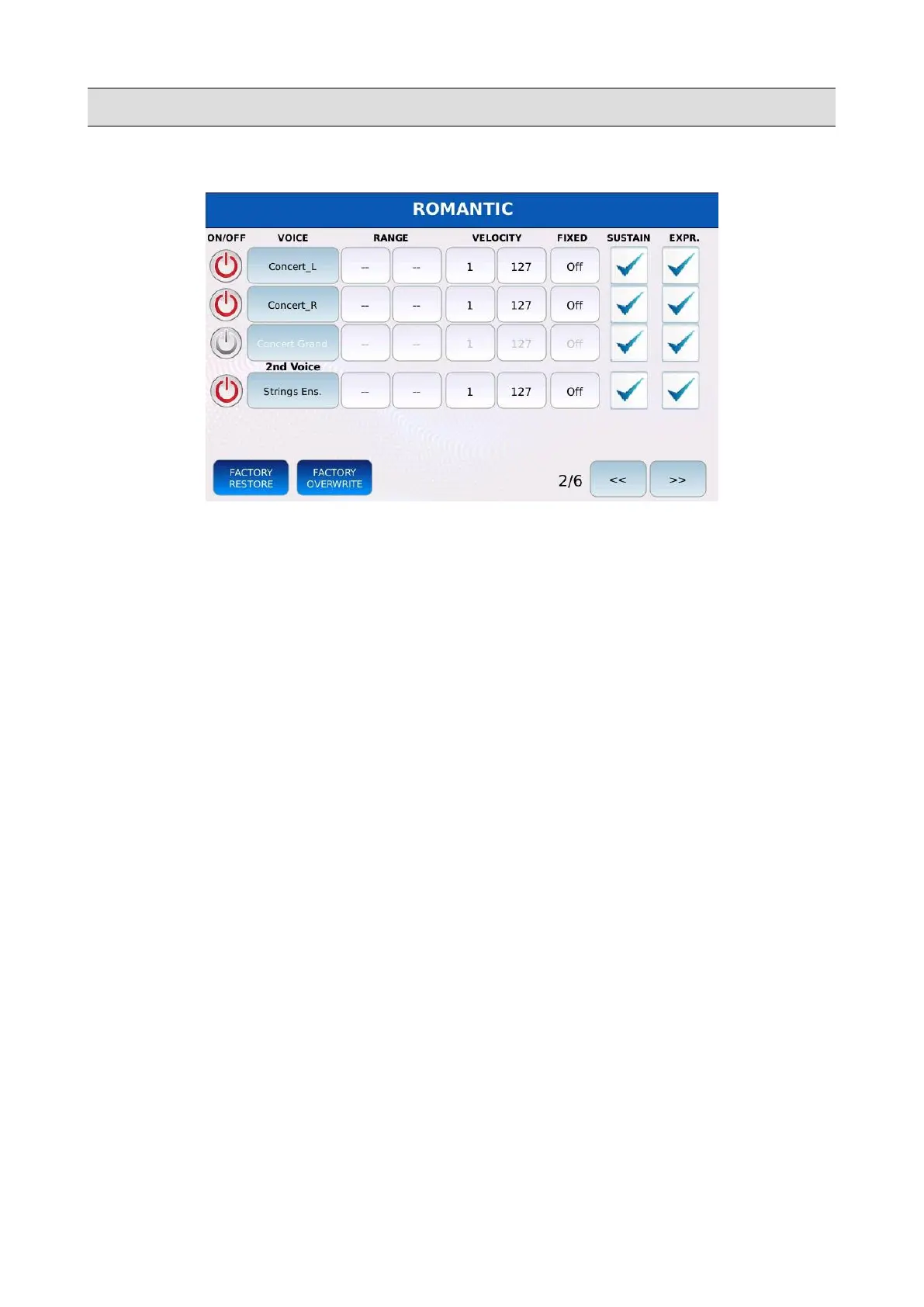
VOICE
Page 2
• RANGE: defines the key range for the layer. Tap and use the Value Dial to set the lowest
and highest active notes for the layer. Values range from C#-2 to G8. Middle C is C4.
• VELOCITY: defines the velocity range for the layer. Tap and use the Value Dial to set the
lowest and highest velocities for the layer. Notes played with higher velocity than the
highest velocity or lower velocity than the lowest velocity will be dropped. Values range
from 1 to 127.
• FIXED: if enabled, the layer will play always with the same velocity. Use the Value Dial to
change the value. Values range from Off to 127. Useful for velocity insensitive sounds, like
organ or synth sounds.
• SUSTAIN: enables or disables the sustain pedal (CC 64 MIDI messages) for the layer.
• EXPRESSION: enables or disables the expression pedal (CC 11 MIDI messages) for the
layer.
KETRON - LOUNGE 77



 To Next Page