bizhub C652/C552 10-13
10.1 Using an authentication unit (biometric type)
10
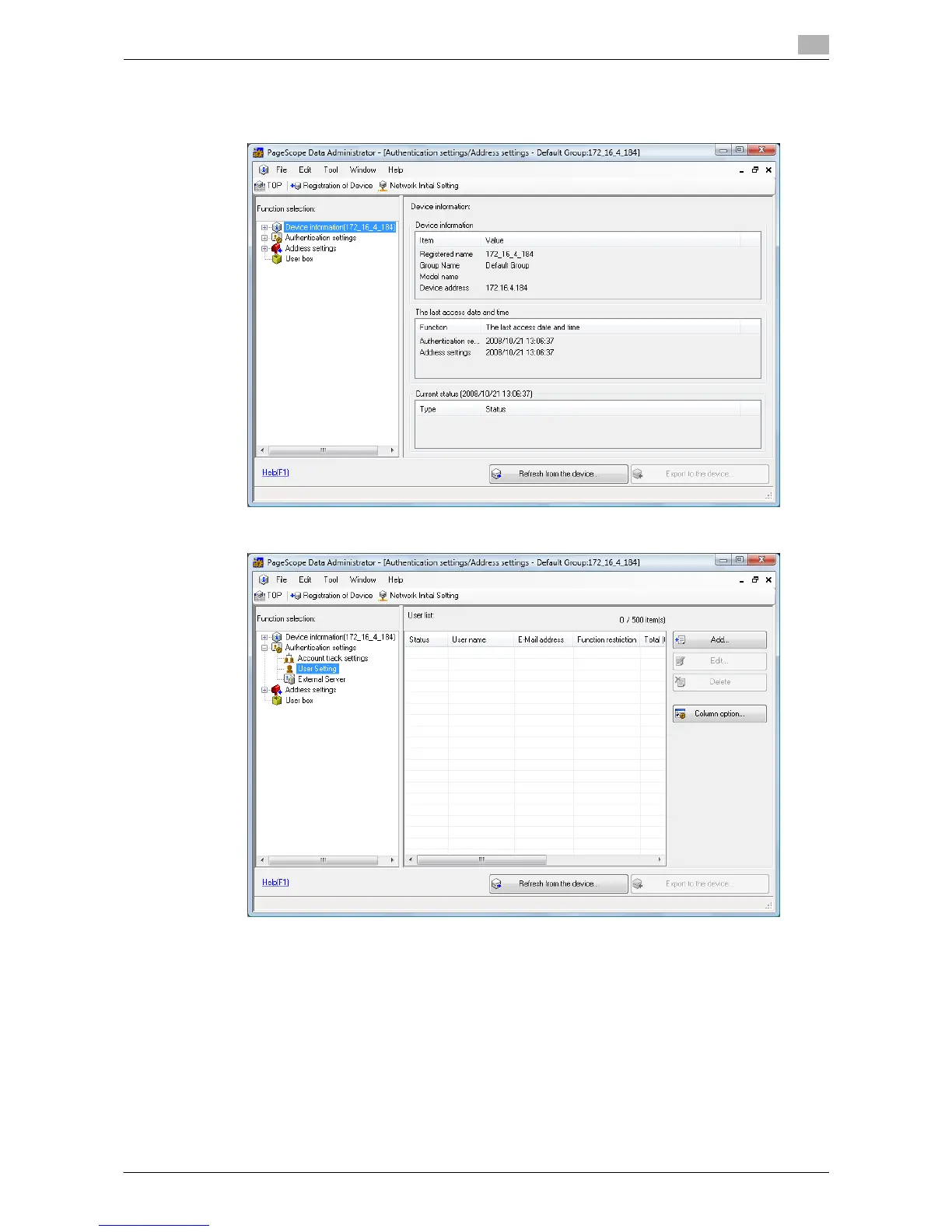
4 Data Administrator starts, and device information of this machine is imported.
The Device Information window appears.
% For details on how to import device information, refer to the Data Administrator User's Guide.
5 In Select Function, select "Authentication Settings" - "User Setting", and then click the [Add].














 To Next Page