bizhub C652/C552 10-14
10.1 Using an authentication unit (biometric type)
10
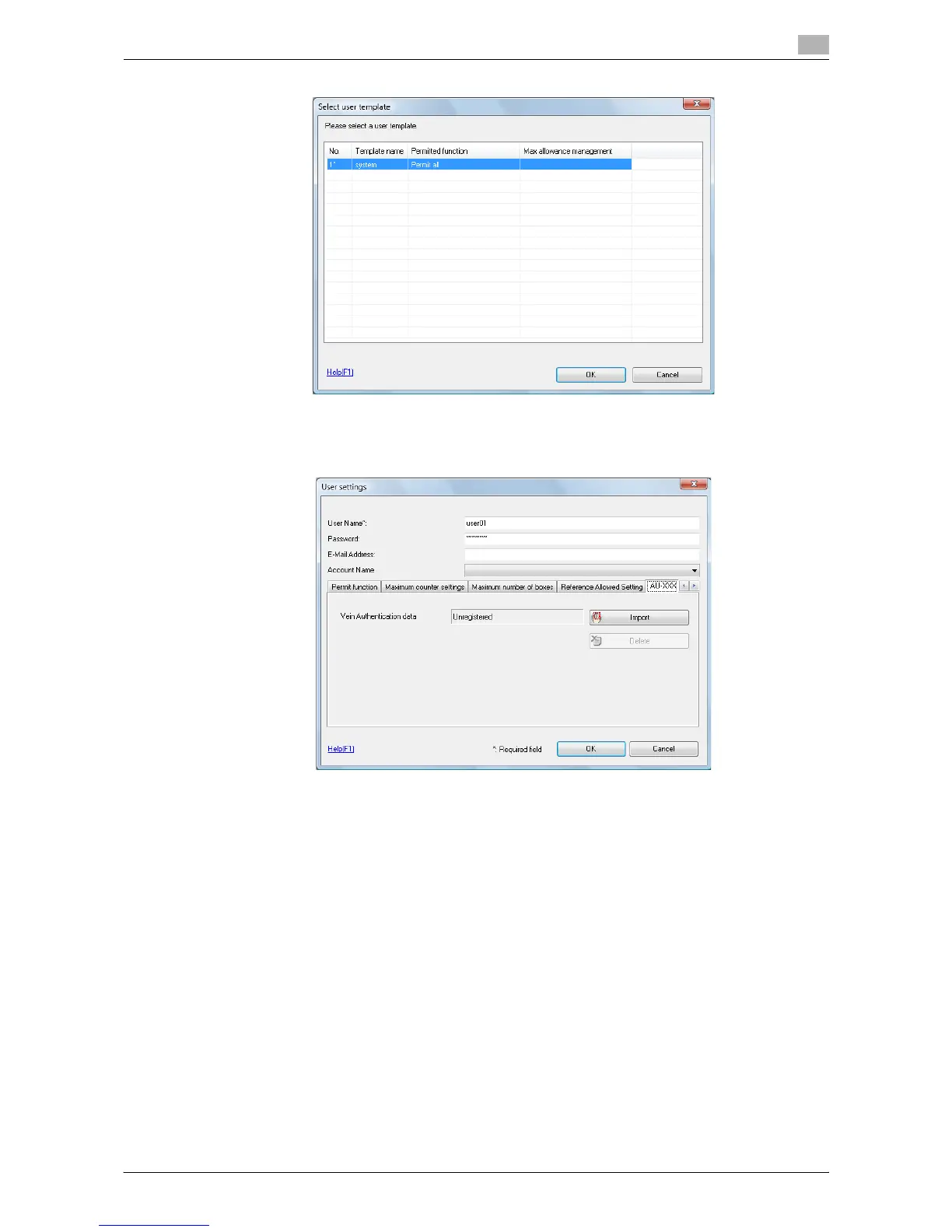
6 Select the desired template, and then click the [OK].
The User Registration window appears.
7 Enter the user name and password, select the "AU-101" or "AU-102" tab, and then click the [Import].
% Enter the E-mail address and other information as required.














 To Next Page