bizhub C652/C552 10-15
10.1 Using an authentication unit (biometric type)
10
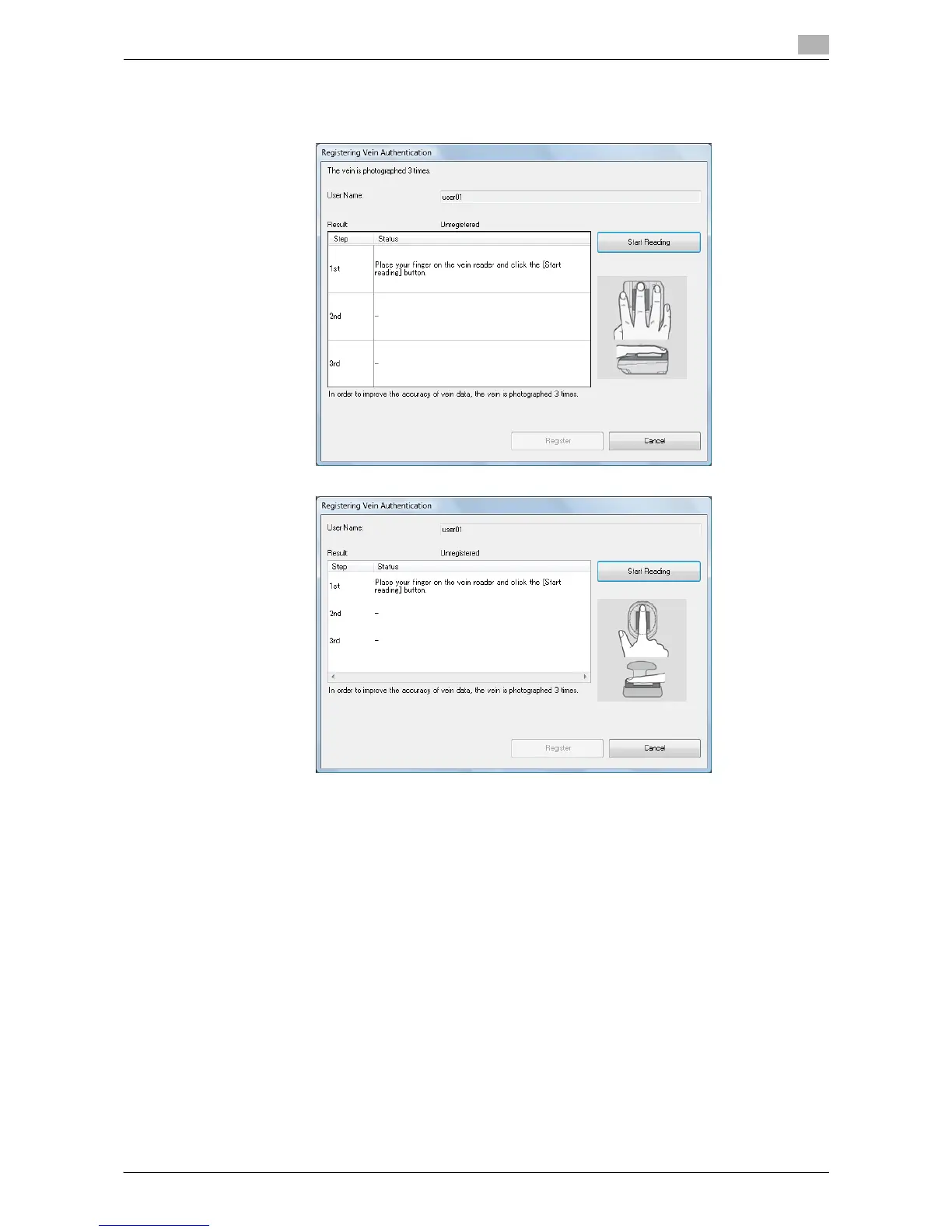
8 Place your finger on the authentication unit, and then click the [Start Reading].
% Scan the finger vein pattern three times; reset the same finger for each scanning.
For authentication unit AU-101
For authentication unit AU-102
9 Click the [Registration].














 To Next Page