178
Graphical display
6
6.3.Settings related to the graphical display
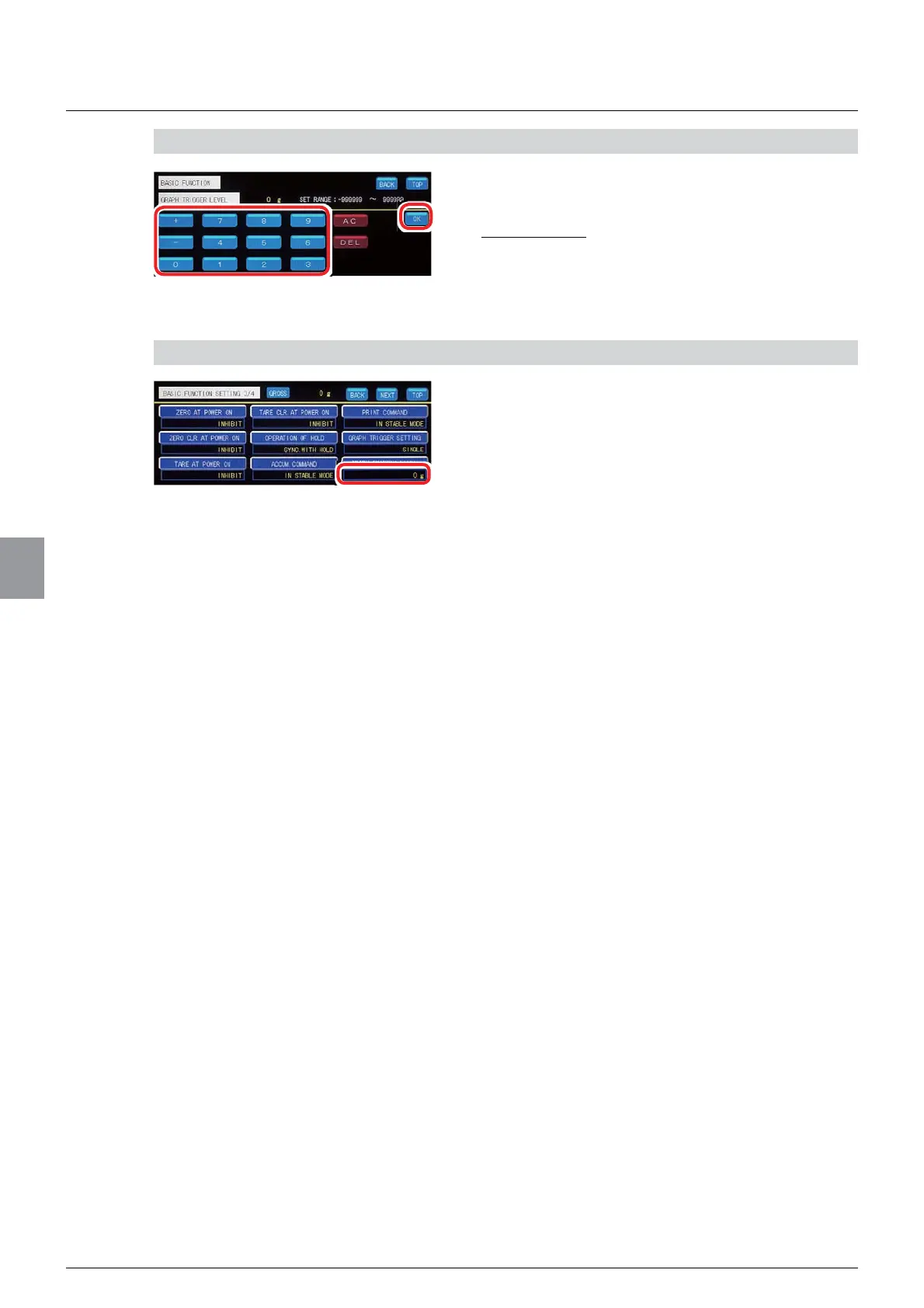
2) Set a trigger level
1. Input a trigger level.
6HWWDEOHUDQJHWR
,QLWLDOYDOXH
2. Tap [OK].
The trigger level will be set, and [BASIC
FUNCTION 3/4] will be displayed.
3) Check the setting that you set
1. Check the trigger level setting.
The setting is completed if the value set by the step
DSSHDUVXQGHU>*5$3+75,**(5/(9(/@



 To Next Page