184
Various settings
7
7.1.Settings related to the screen display
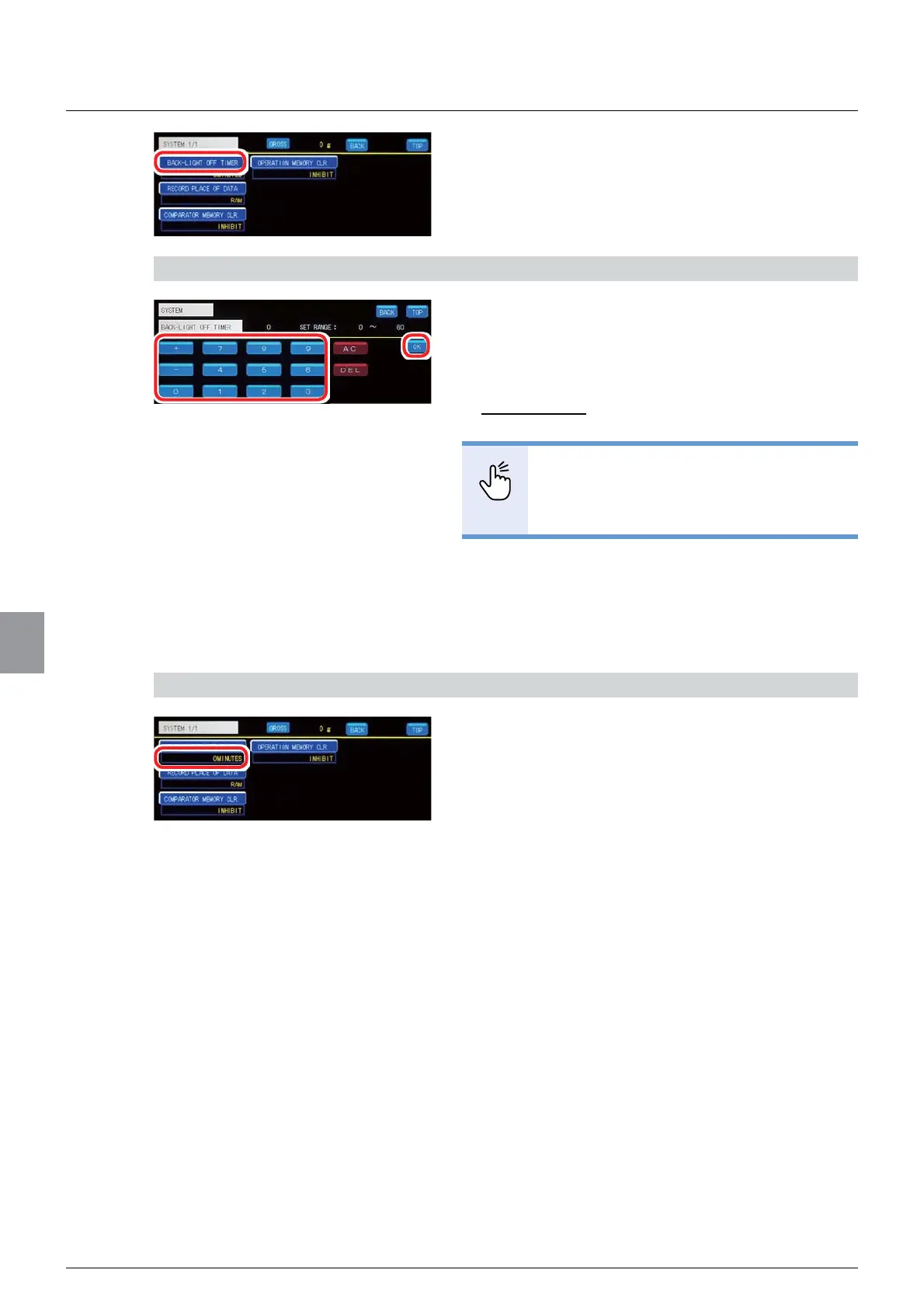
2. Tap [BACK-LIGHT OFF TIMER].
The backlight off time setting screen will be
displayed.
2) Set a backlight off time
1. Input a length of time until the backlight goes
off.
Unit: 1 minute
Settable range: 0 to 60
Initial value: 0
32,17
- If set to 0, the backlight will not go off.
5HIHUWR³,QSXWRIQXPHULFDOYDOXHV´
for more information about how to enter
numerical values.
2. Tap [OK].
7KHEDFNOLJKWRIIWLPHZLOOEHVHWDQG>6<67(0@ZLOO
be displayed.
3) Check the setting that you set
1. Check the backlight off time.
The setting is completed if the value set by the step
DSSHDUVXQGHU>%$&./,*+72))7,0(5@



 To Next Page